Tour of the Counter POS
✓ PASSINGSign in to the counter POS and visit every section of the sidebar: tickets, stations, customers, orders, pickup and delivery, runs and leads.
- 1
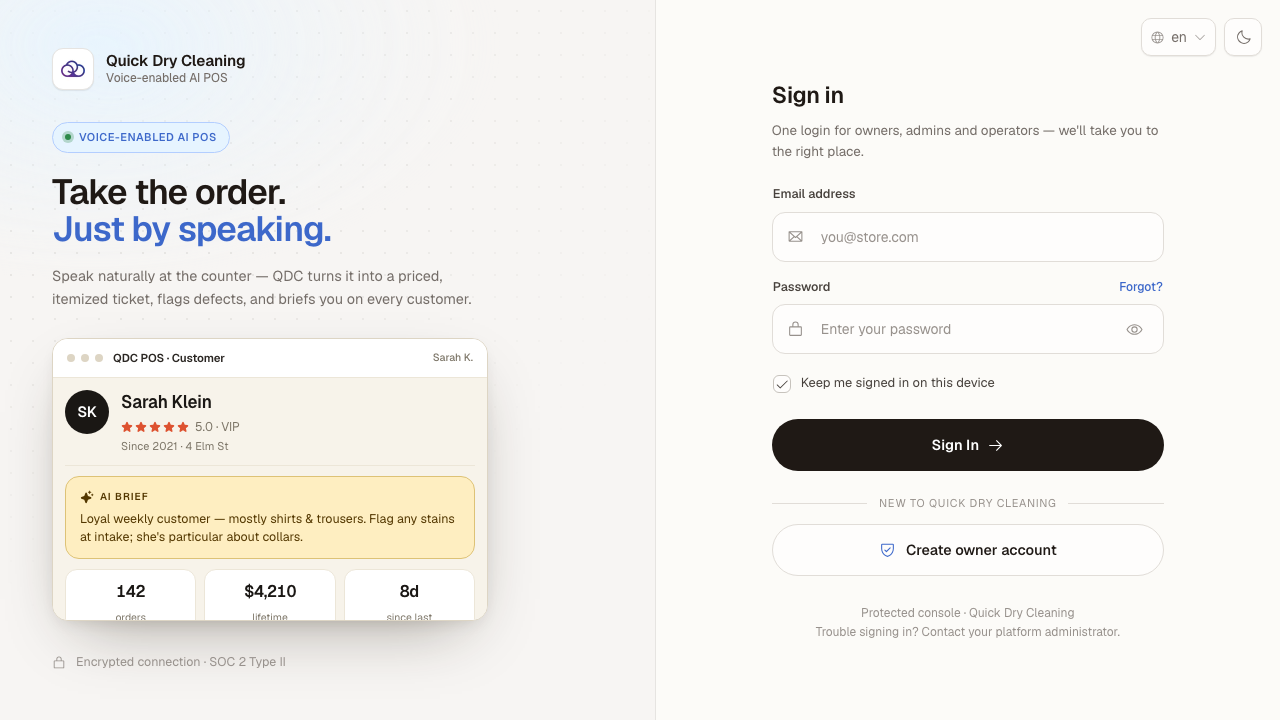
Open the POS in your browser. The sign-in page appears.
- 2
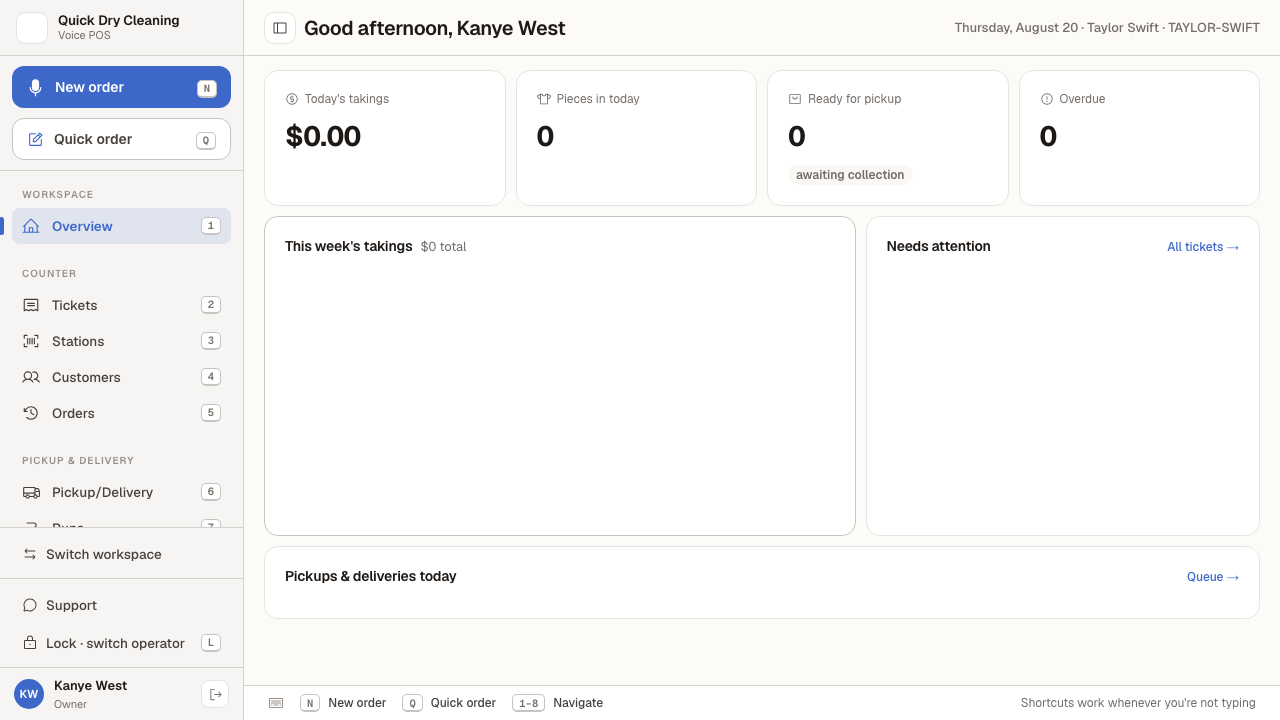
Enter your email address and password, click "Sign In", then pick the "Counter POS" workspace.
You arrive on Overview — the POS home screen, showing a greeting and the day's takings.
- 3
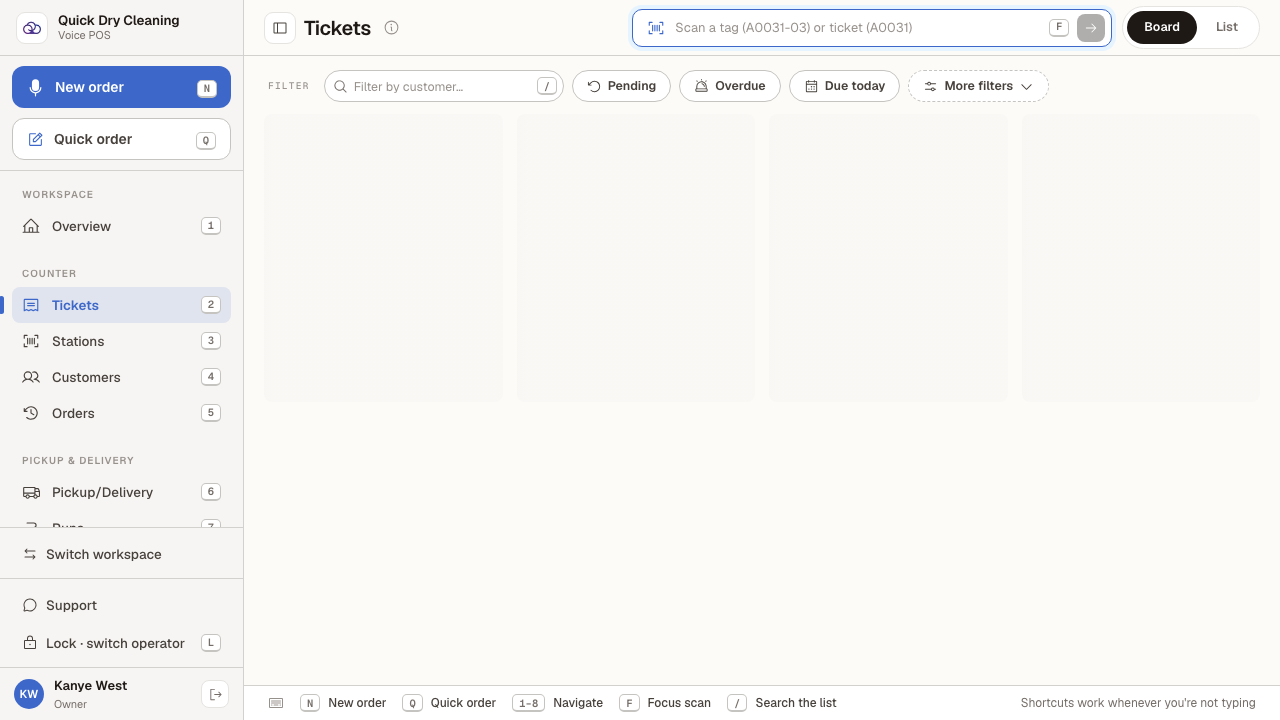
Choose "Tickets" in the sidebar to see every ticket currently in the shop.
- 4
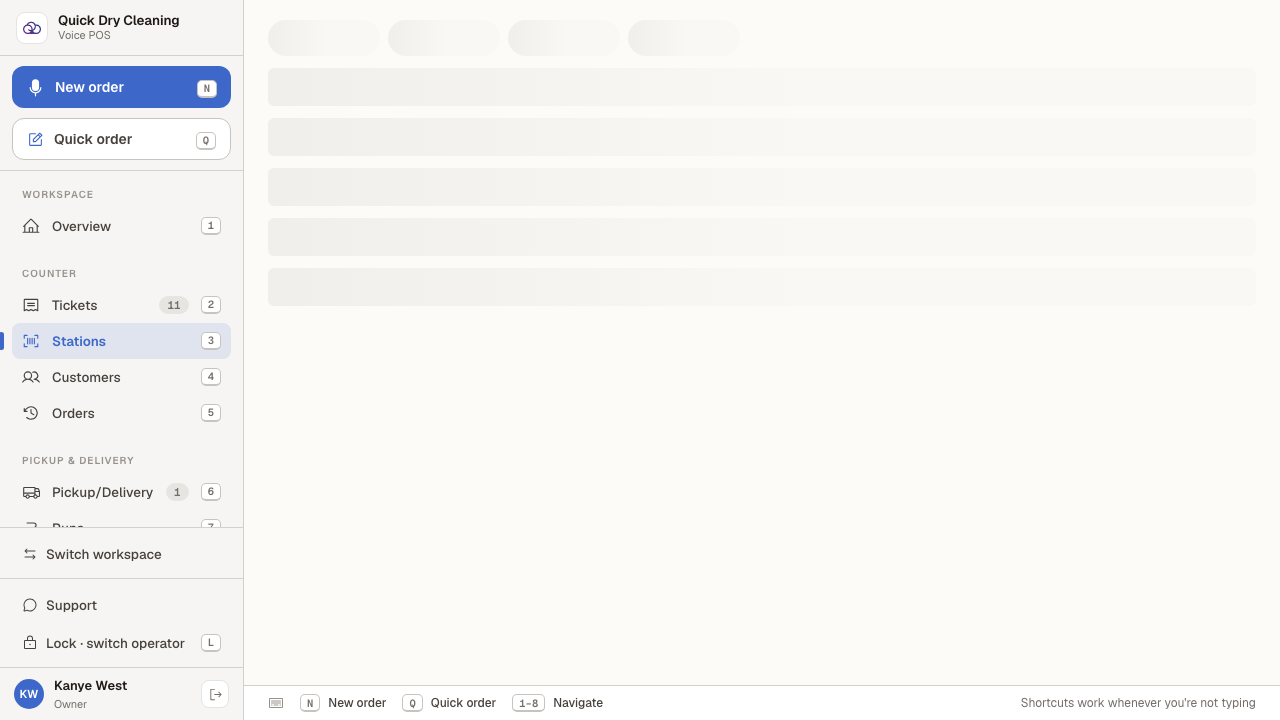
Choose "Stations" to see the work stations that garments move through.
- 5
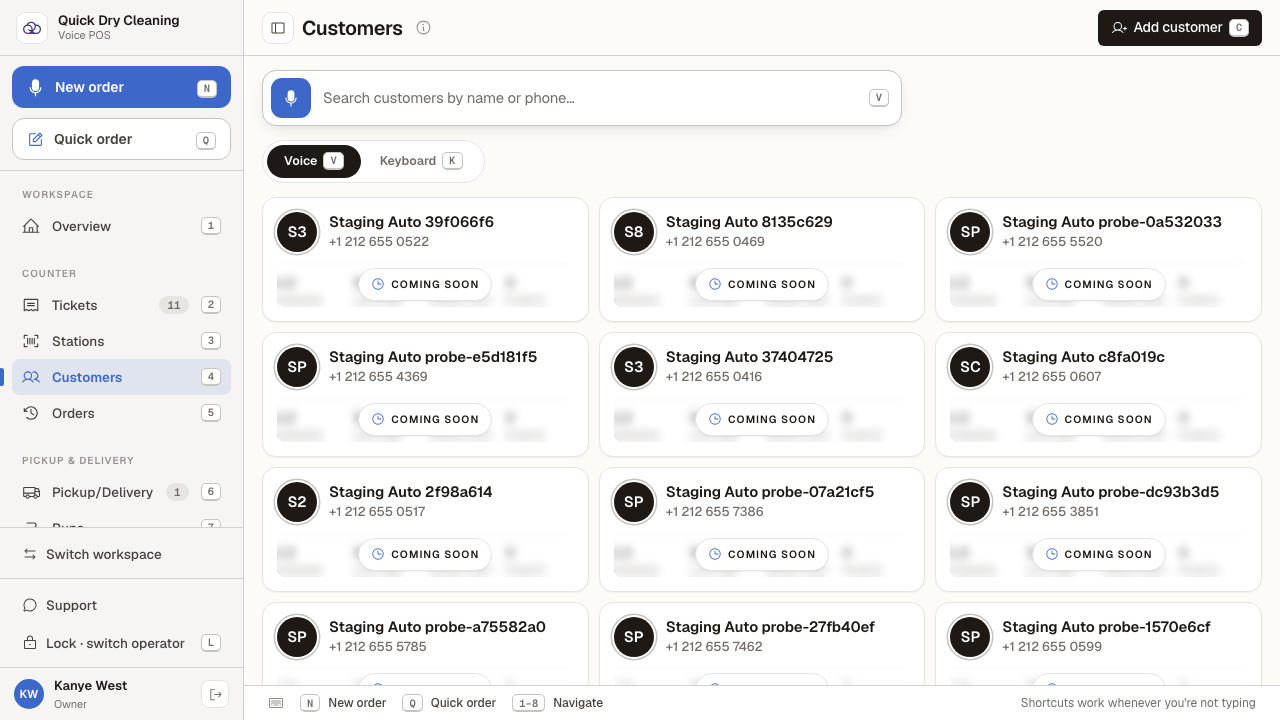
Choose "Customers" to search the customer directory.
- 6
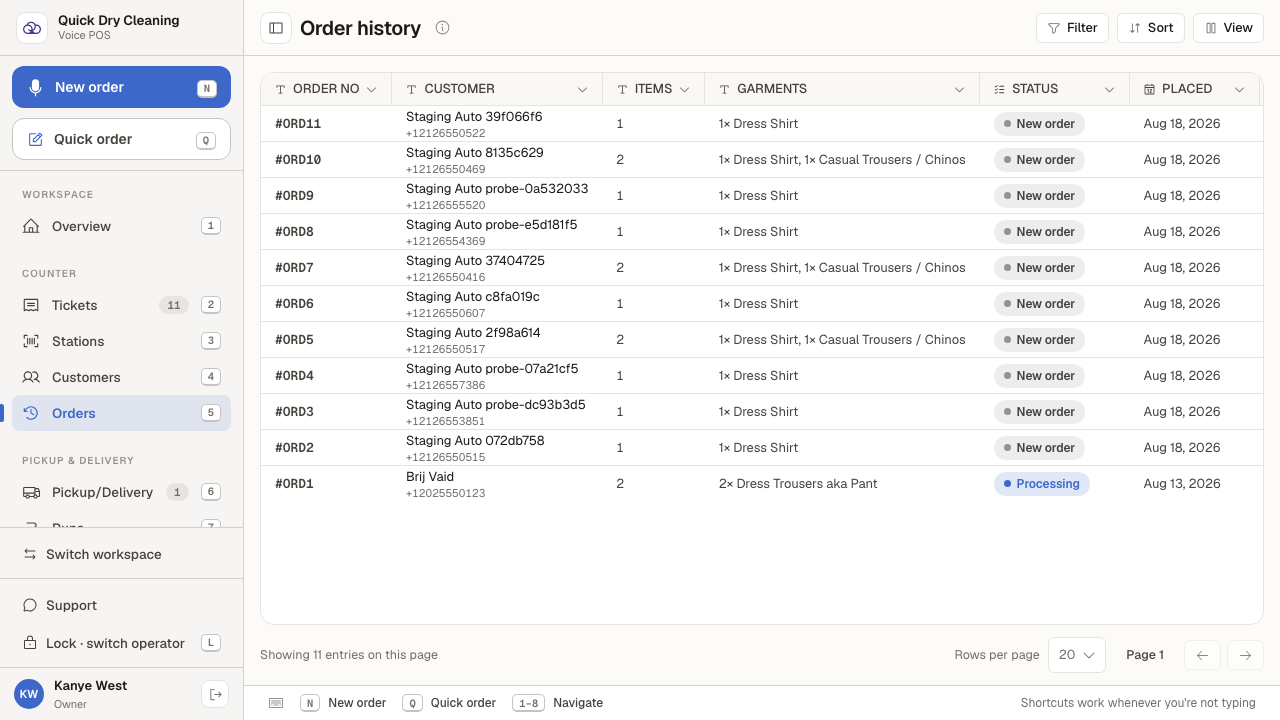
Choose "Orders" for the full order history, with status, totals and what is still owed.
- 7
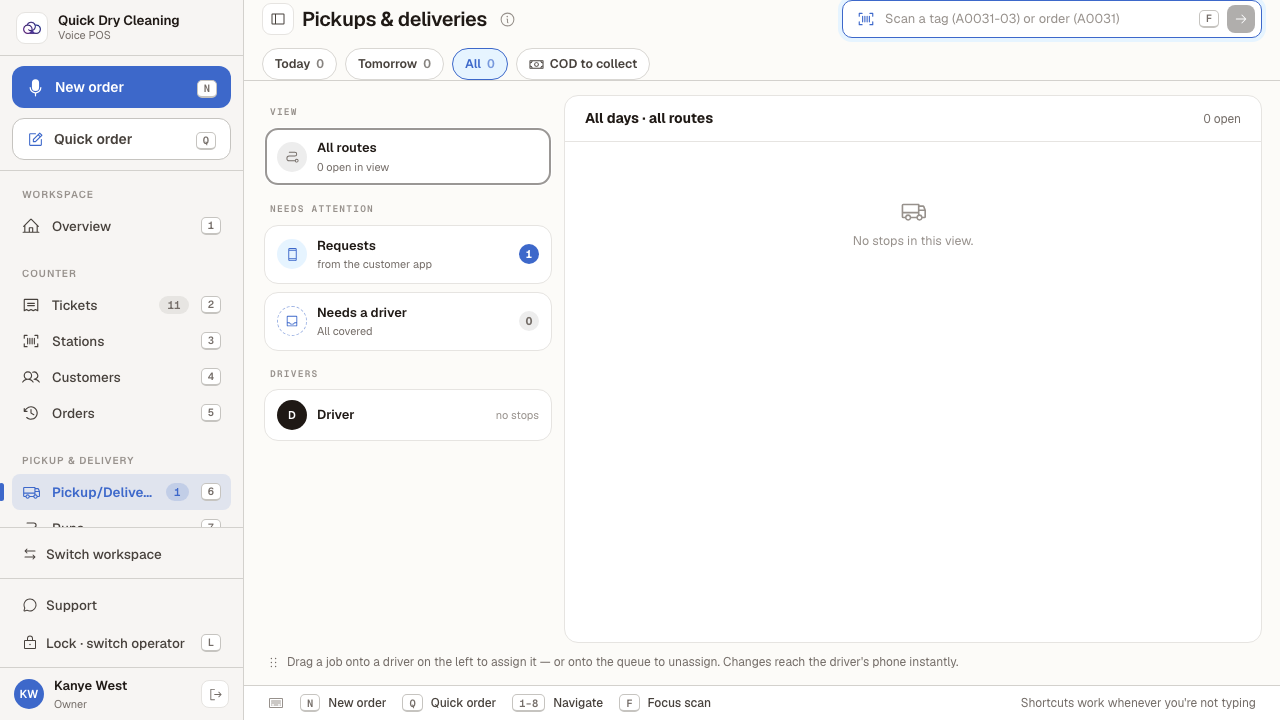
Choose "Pickup/Delivery" to see the collections and drop-offs scheduled for the day.
- 8
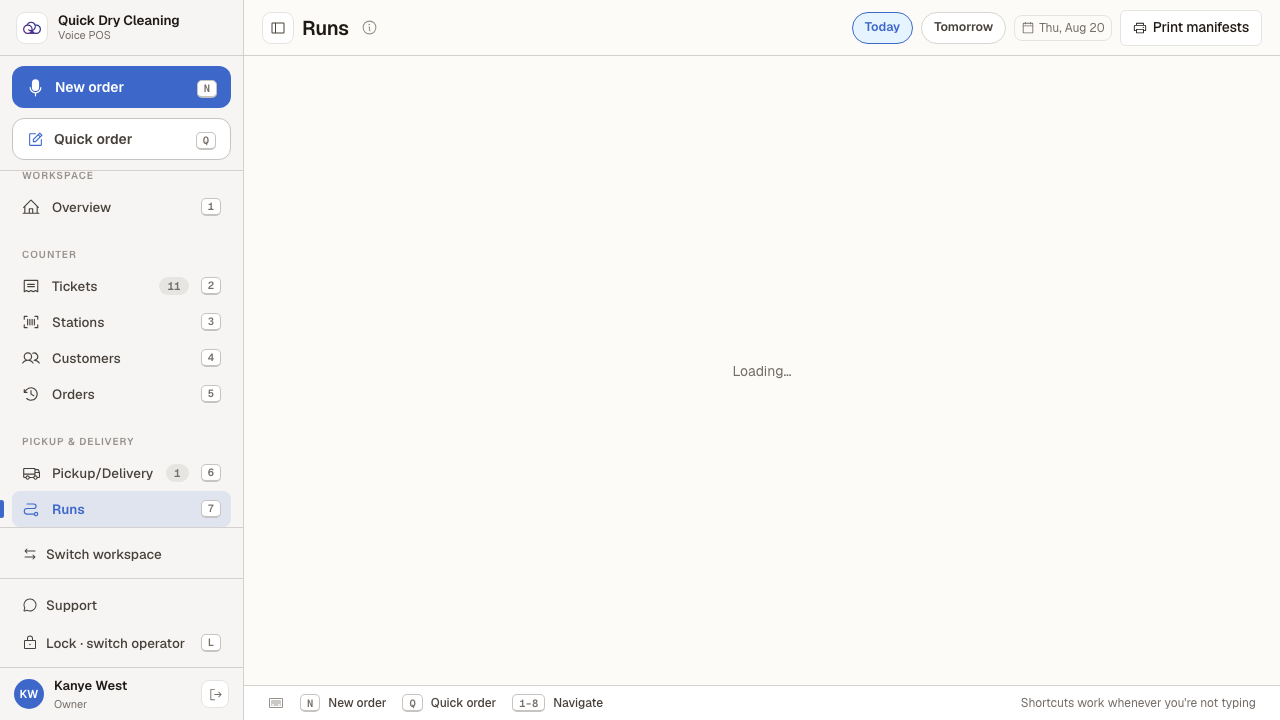
Choose "Runs" to see the driver runs planned for the day.
- 9
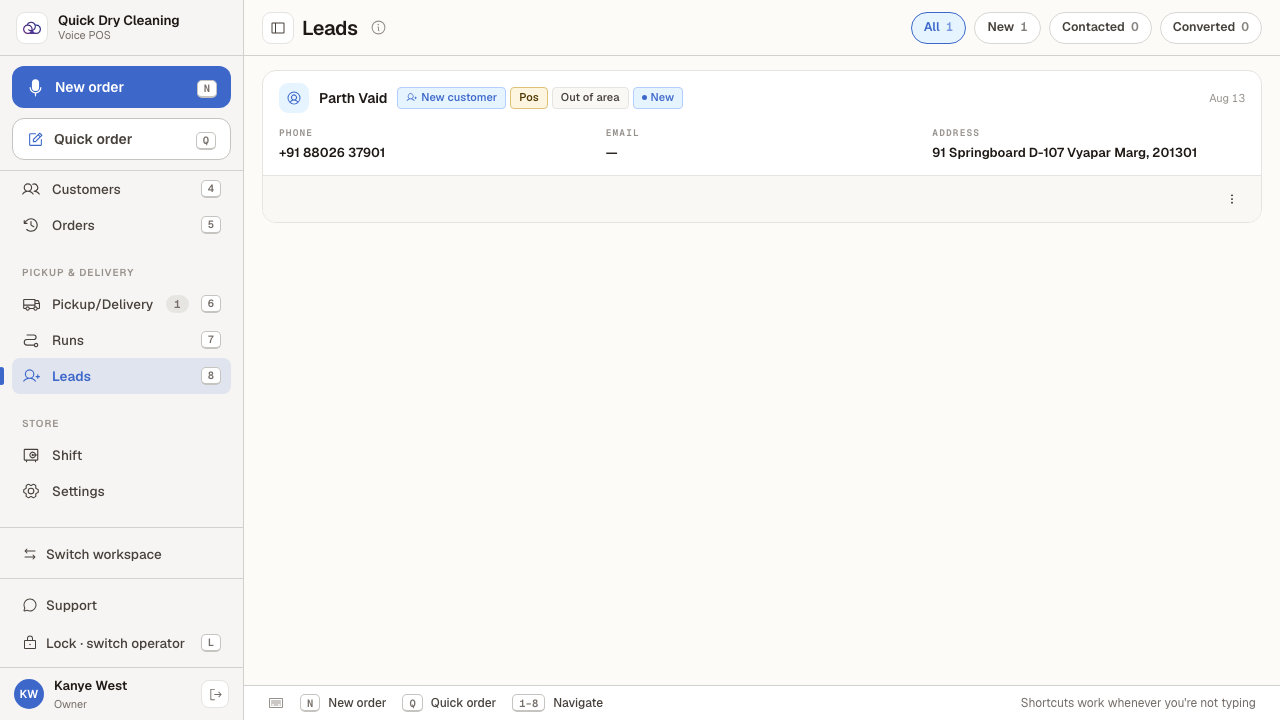
Choose "Leads" to see enquiries that have not turned into orders yet.
Last verified: 8/20/2026, 9:59:43 AM · https://pos-staging.ci.quickdrycleaning.com