Open the garment catalog
✓ PASSINGStart an order from the Orders list without touching the mouse: N for a new order, pick the customer, M for the catalog, Esc to close it.
- 1
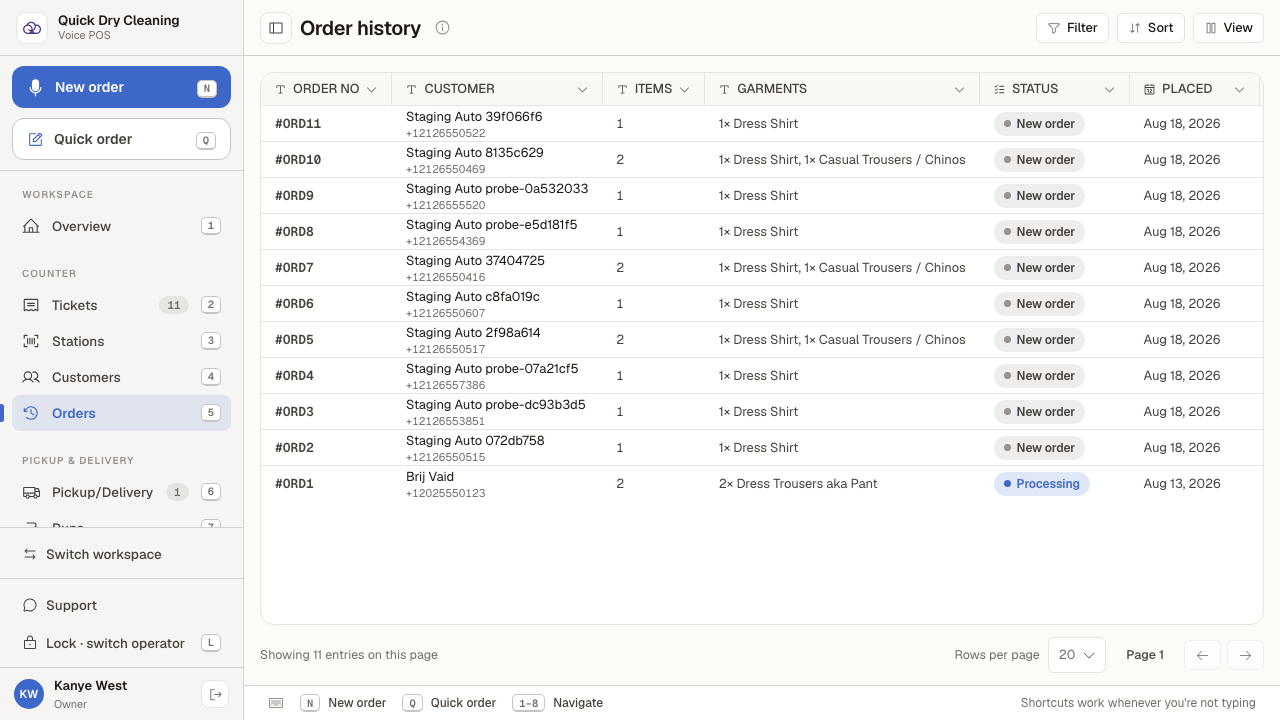
Sign in, choose the "Counter POS" workspace, then open "Orders" in the sidebar.
Every order the shop has taken is listed here, with its status, total and what is still owed.
- 2
Press "N" to start a new order.
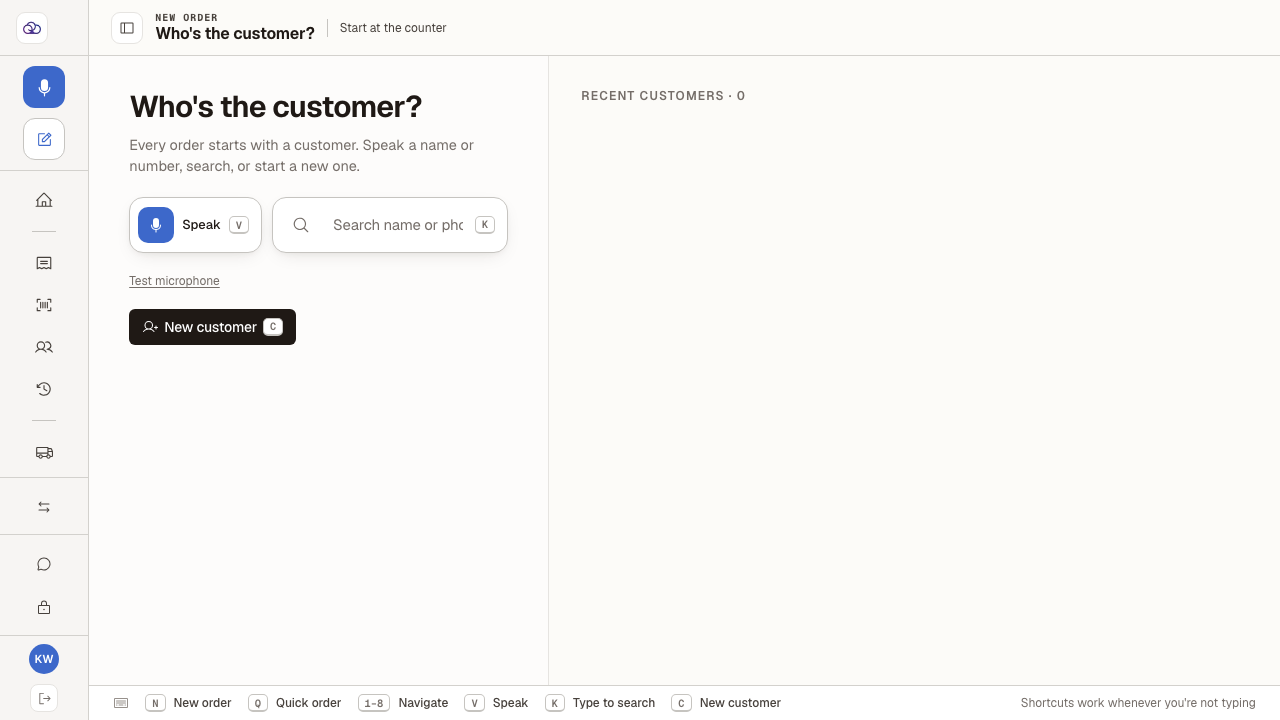
N works from anywhere in the POS, as long as you are not typing in a box. The order always starts with the question "Who's the customer?".
- 3
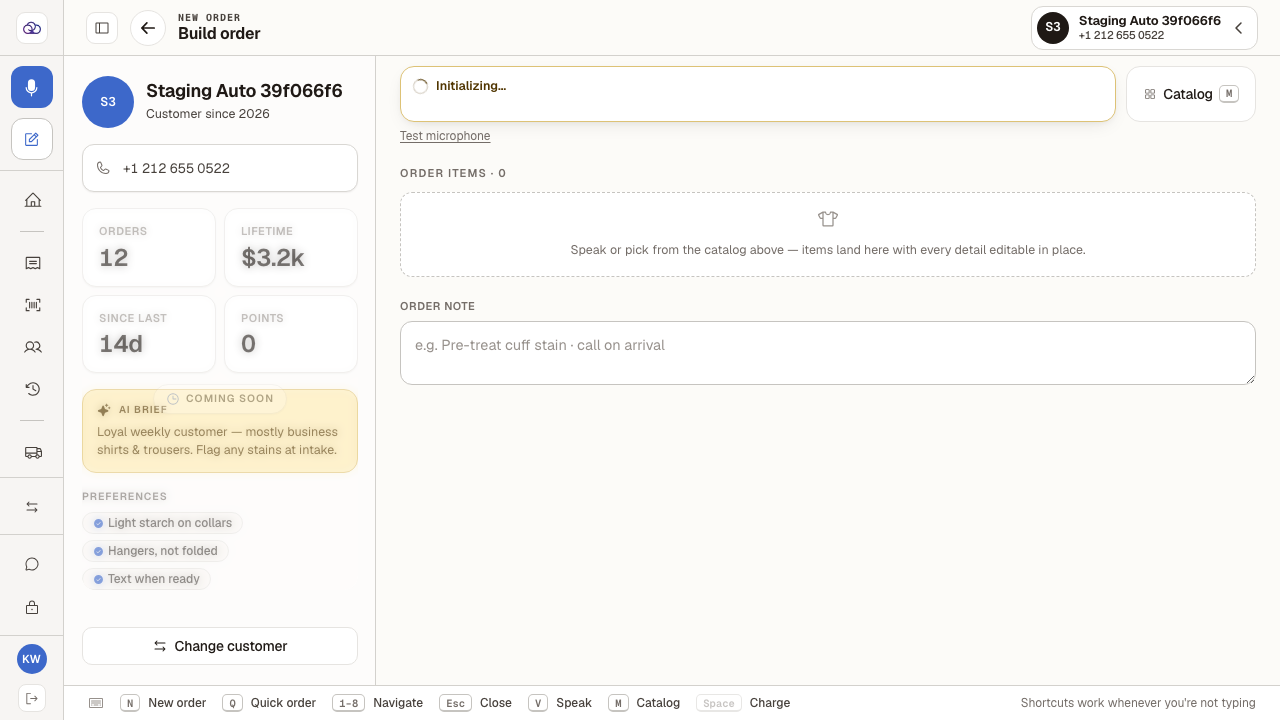
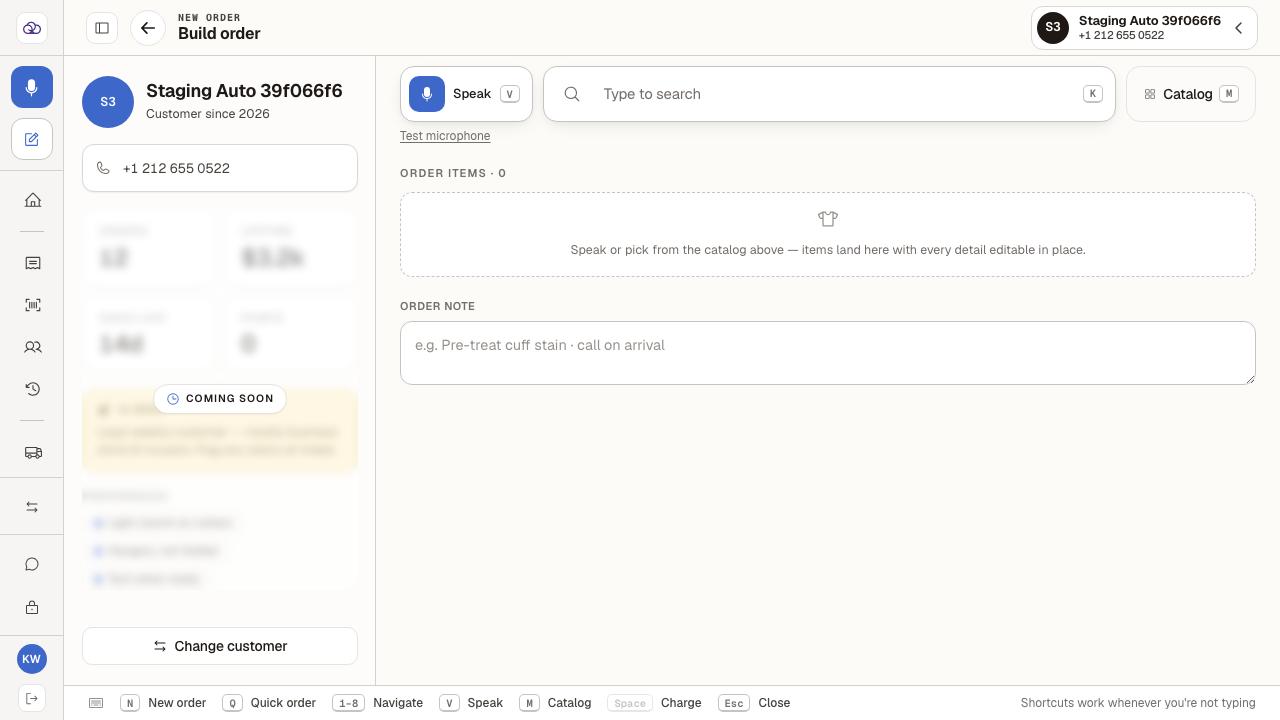
Pick the customer from the Recent customers list, or search for them by name or phone.
Their history opens alongside the order — past spend, how long since their last visit, and any standing preferences such as light starch on collars.
- 4
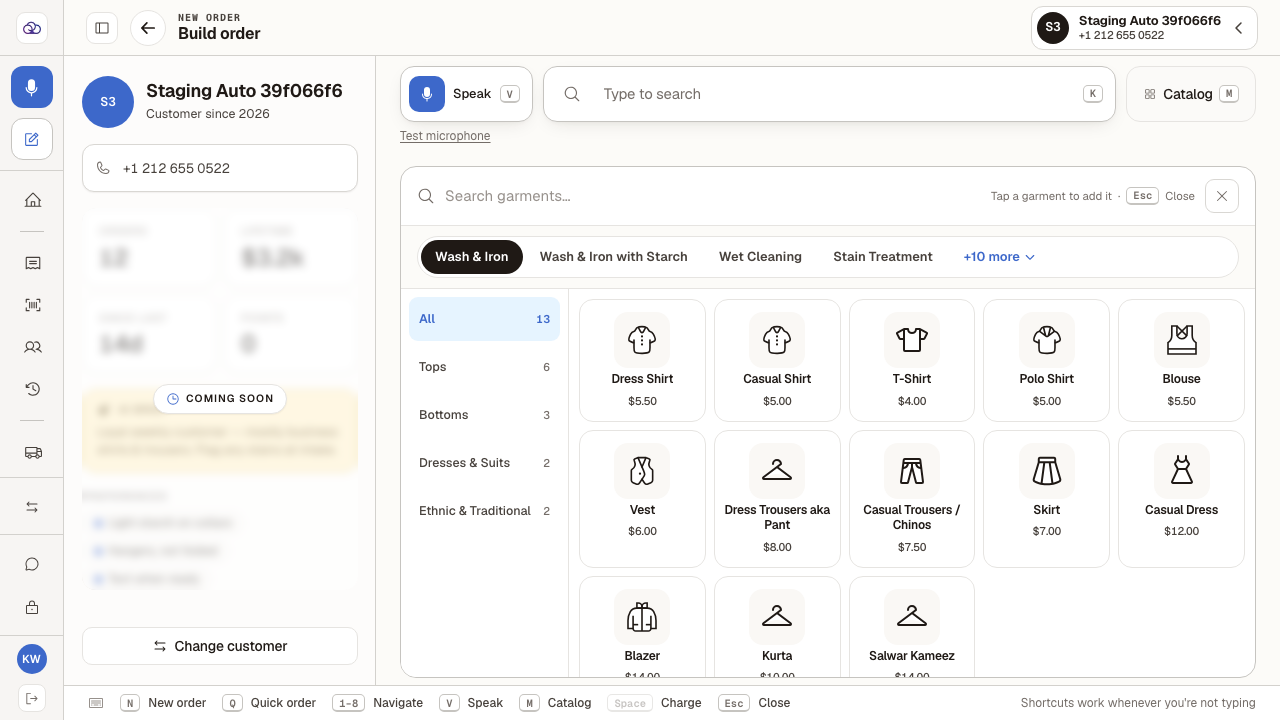
Press "M" to open the garment catalog.
Everything the shop prices is here. The top row picks the service — Wash & Iron, Wet Cleaning, Stain Treatment and more — and the row beneath filters by garment type. Tap a garment to add it to the ticket.
- 5
Press "Esc" to close the catalog again. The order is exactly as you left it.
Closing the catalog never adds anything — nothing is on the ticket until you tap a garment.
Last verified: 8/20/2026, 1:29:34 PM · https://pos-staging.ci.quickdrycleaning.com