Find a customer
✓ PASSINGLook up an existing customer in the directory by name.
- 1
Sign in and choose the Counter POS workspace.
- 2
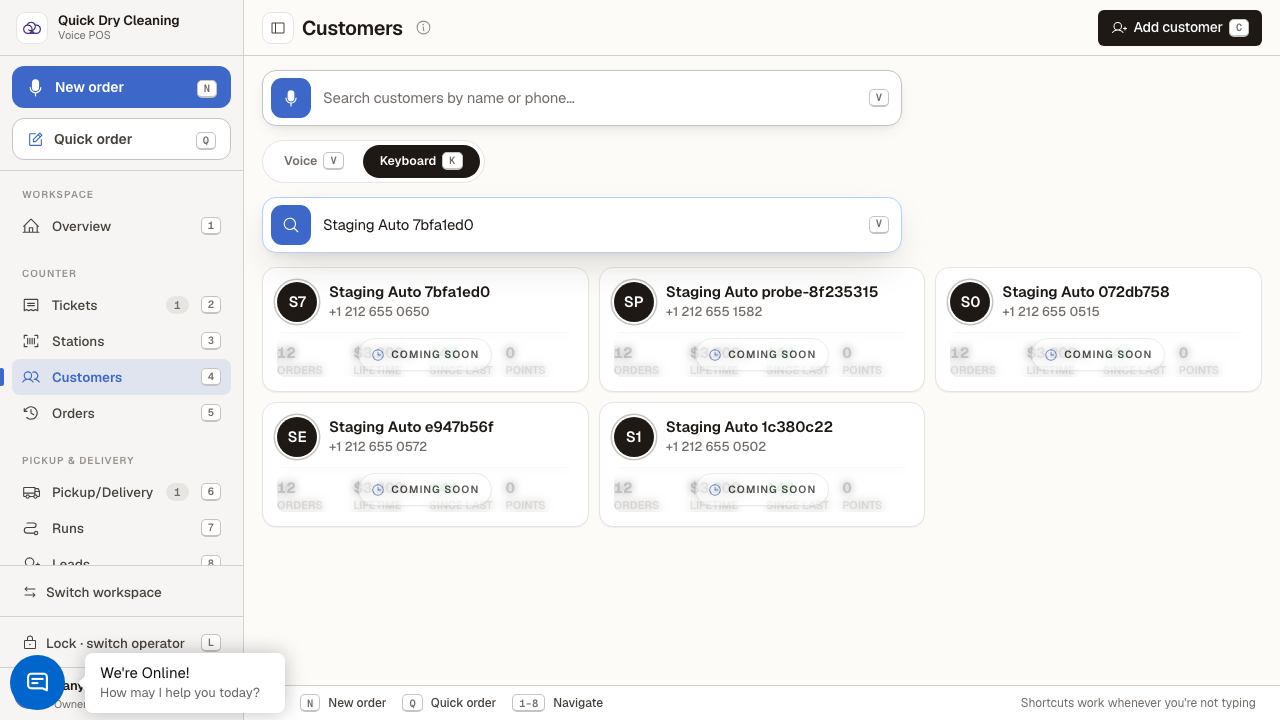
Open Customers from the sidebar and switch to Keyboard search (or press K).
Search is voice-first by default; Keyboard mode shows a text box.
- 3
Type the customer's name or phone number.
Matching customer cards appear as you type — click a card to open their profile.
Last verified: 8/18/2026, 11:08:26 AM · https://pos-staging.ci.quickdrycleaning.com