Sign out of the POS
✓ PASSINGEnd your session at the counter and return to the login screen.
- 1
Sign in and choose the Counter POS workspace.
- 2
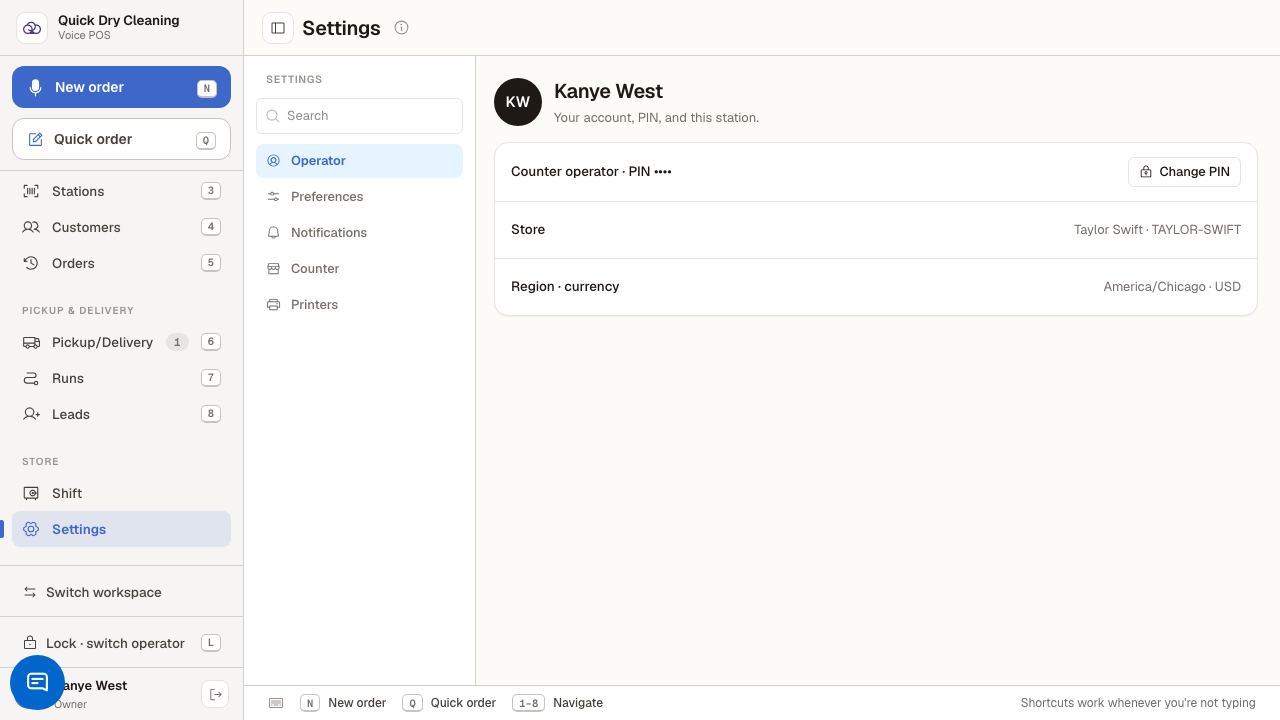
Open Settings from the bottom of the sidebar.
Your operator profile, PIN and station live here.
- 3
Click the Sign out button at the bottom of the sidebar.
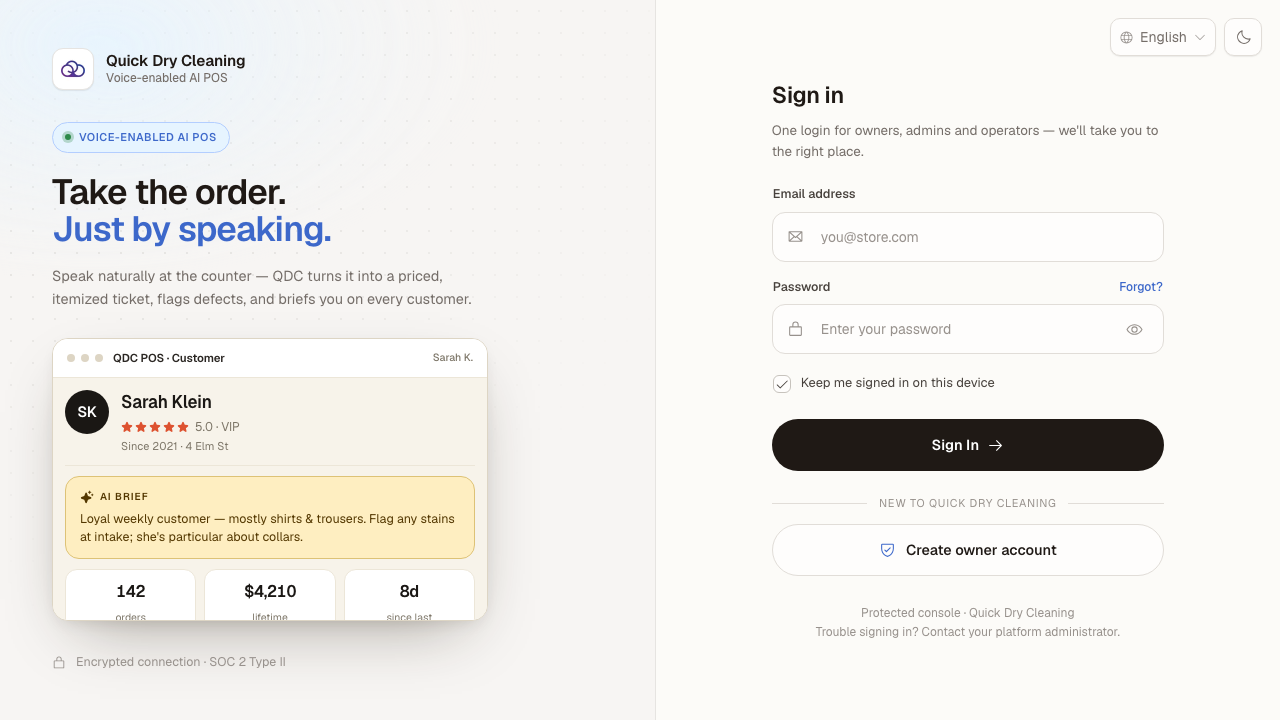
You are signed out immediately — no confirmation — and land back on the login screen.
Last verified: 8/18/2026, 10:11:58 AM · https://pos-staging.ci.quickdrycleaning.com