Log in to Back office
✓ PASSINGSign in and open the Back office workspace.
- 1
Navigate to the login page.
- 2
Enter your email address in the Email field.
- 3
Enter your password in the Password field.
- 4
Click the "Sign In" button to submit.
- 5
Choose "Back office" in the workspace dialog.
Accounts with more than one workspace see this dialog after signing in.
- 6
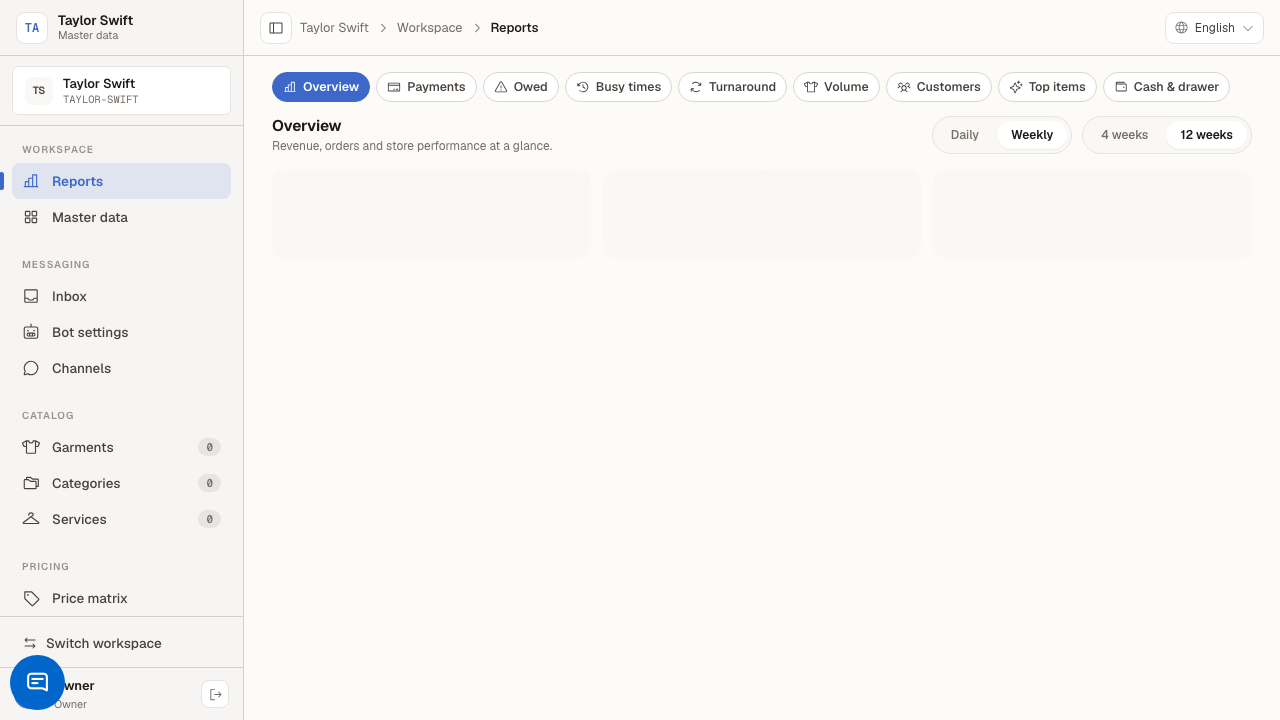
You arrive at the Back office dashboard.
Last verified: 8/16/2026, 6:31:01 PM · unknown