
Which product do you need help with?
Pick one. The topics below change to match.
Operator topics
Counter staff
Getting started
Sign up, add your first customer and take your first order
1 guide
Signing in & the basics
Sign in and get to the counter
1 coming soon
Orders
Take, find and change orders at the counter
7 guides
Payments & closing up
Card payments, the drawer and closing the day
1 guide
Printers & hardware
Printers, card readers, cash drawers and POS settings
7 guides
Plant & stations
Move garments through cleaning, pressing and bagging
7 guides
Stuck? Fix it in a few minutes
Tell us what you see and we’ll walk you to the fix.
Your first shift in 3 videos
0:21
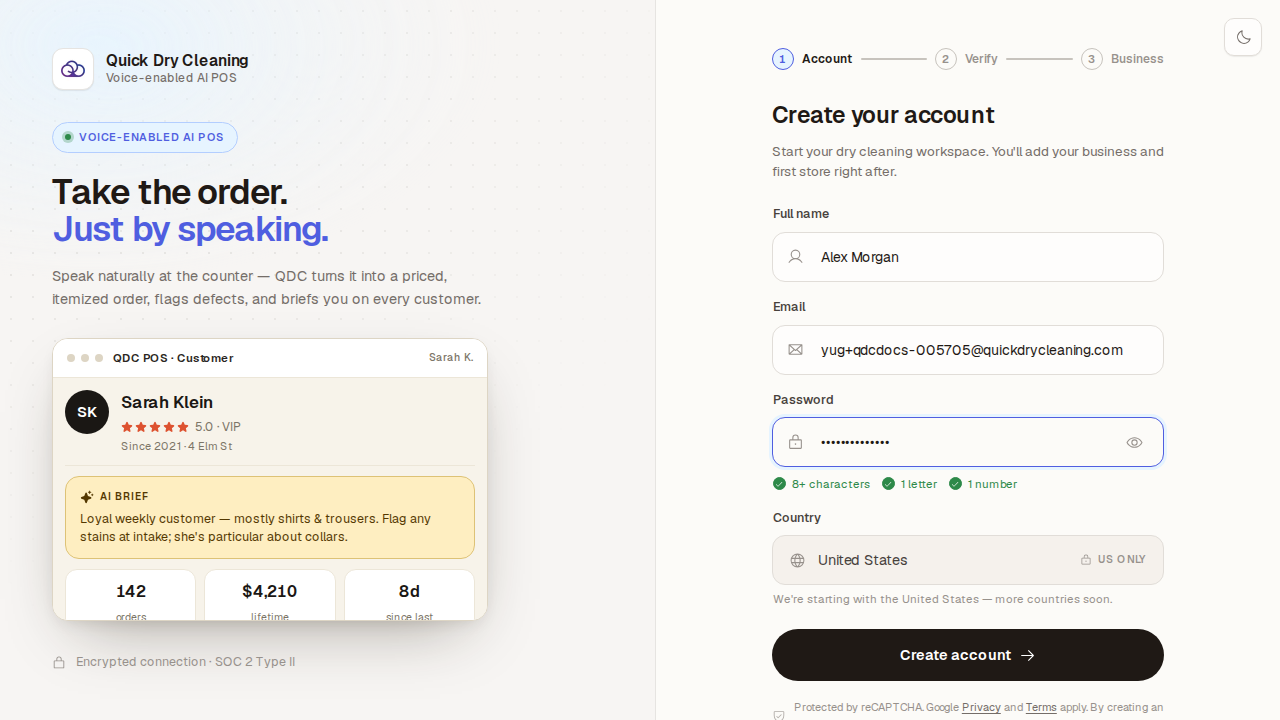
Sign up and start your free trial
Getting started · 6 steps
Coming soon
Add your first customer
Getting started · being recorded
Coming soon
Take your first order, start to finish
Getting started · being recorded
New to the POS? Try “Your first shift”
3 short video guides: sign up, add your first customer, take your first order. Tick each one off as you go.