Show or hide your password
✓ PASSINGCheck what you typed in the password box before signing in.
- 1
Navigate to the login page.
- 2
Type your password in the Password field.
What you type appears as dots.
- 3
Click the eye button at the end of the Password field.
The dots turn into readable text so you can check for typos.
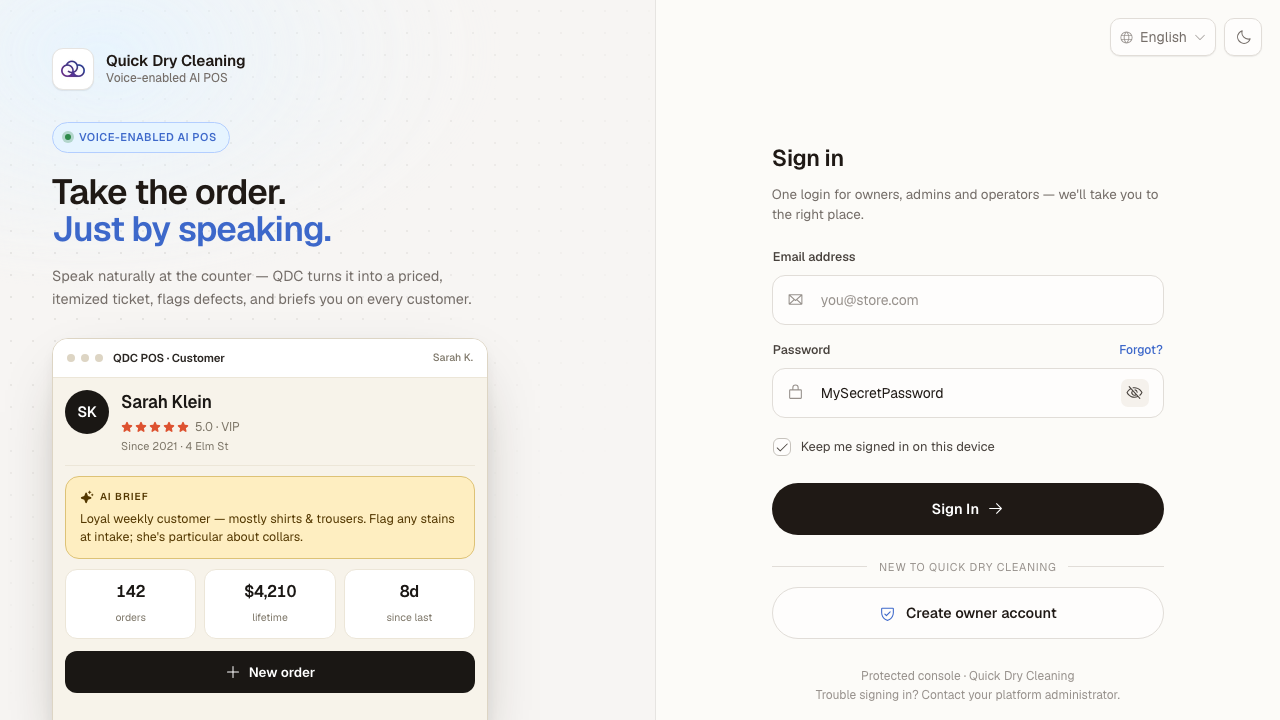
- 4
Click the same button again to hide the password.
Your password is masked again.
Last verified: 8/17/2026, 1:48:48 PM · https://pos-staging.ci.quickdrycleaning.com