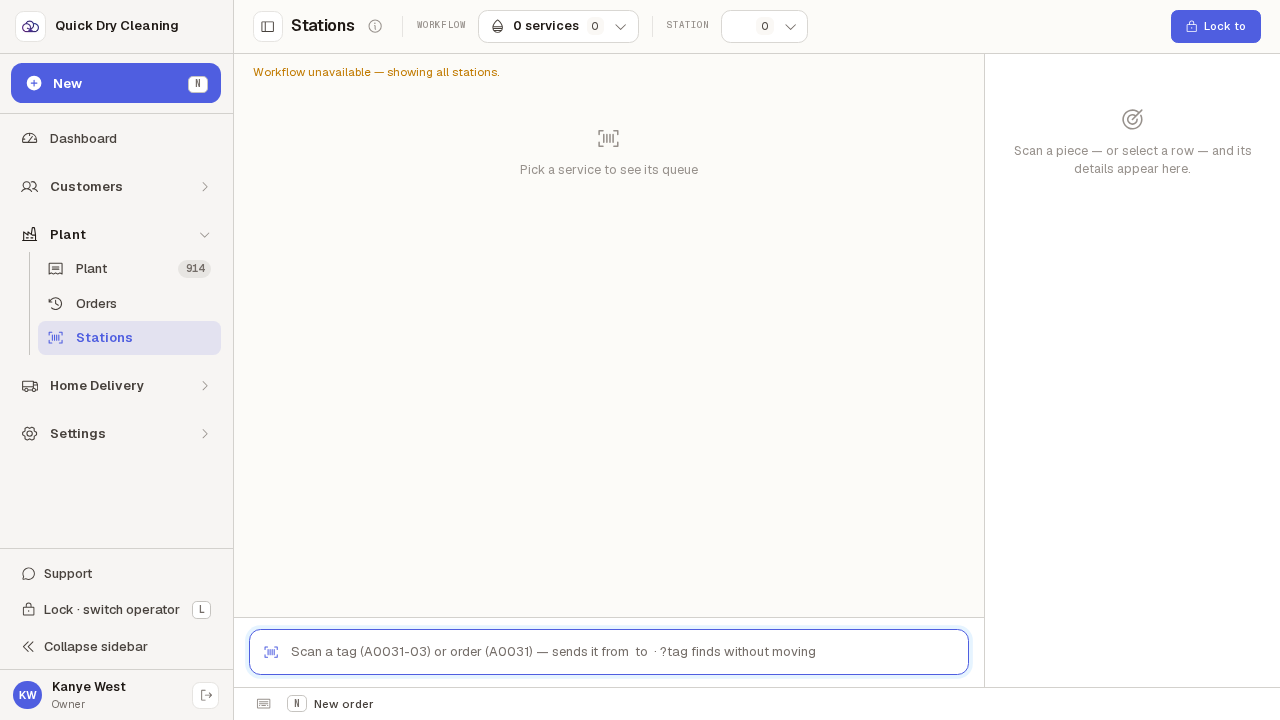
When Stations cannot load the shop’s workflow
What the Stations screen does when the shop has no workflow set up, and what happens to the bench a terminal was left on when that bench is no longer part of the line.
Step by step
If the shop has no workflow set up, Stations says so instead of looking broken.
The message reads "Workflow unavailable — showing all stations". The bench pickers at the top lose their names, the scan box cannot say which bench it would send a garment to, and nothing can be processed. This is not something to retry — someone needs to set the workflow up in Store setup.
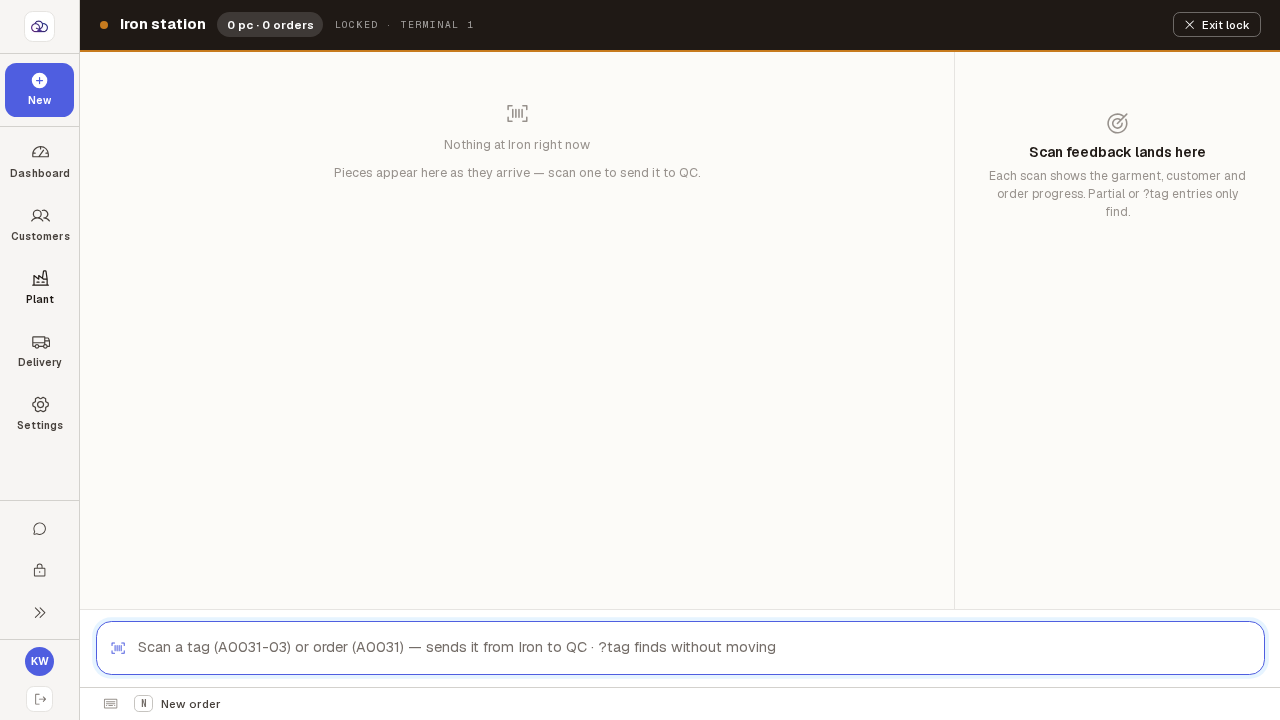
A terminal locked to a bench comes back to that bench, even after the line is changed.
This one was left locked to Iron. Iron is not part of the line being worked today, but it is still one of the shop's benches, so the lock is honoured — a terminal bolted to a bench should not quietly move because someone switched line elsewhere.
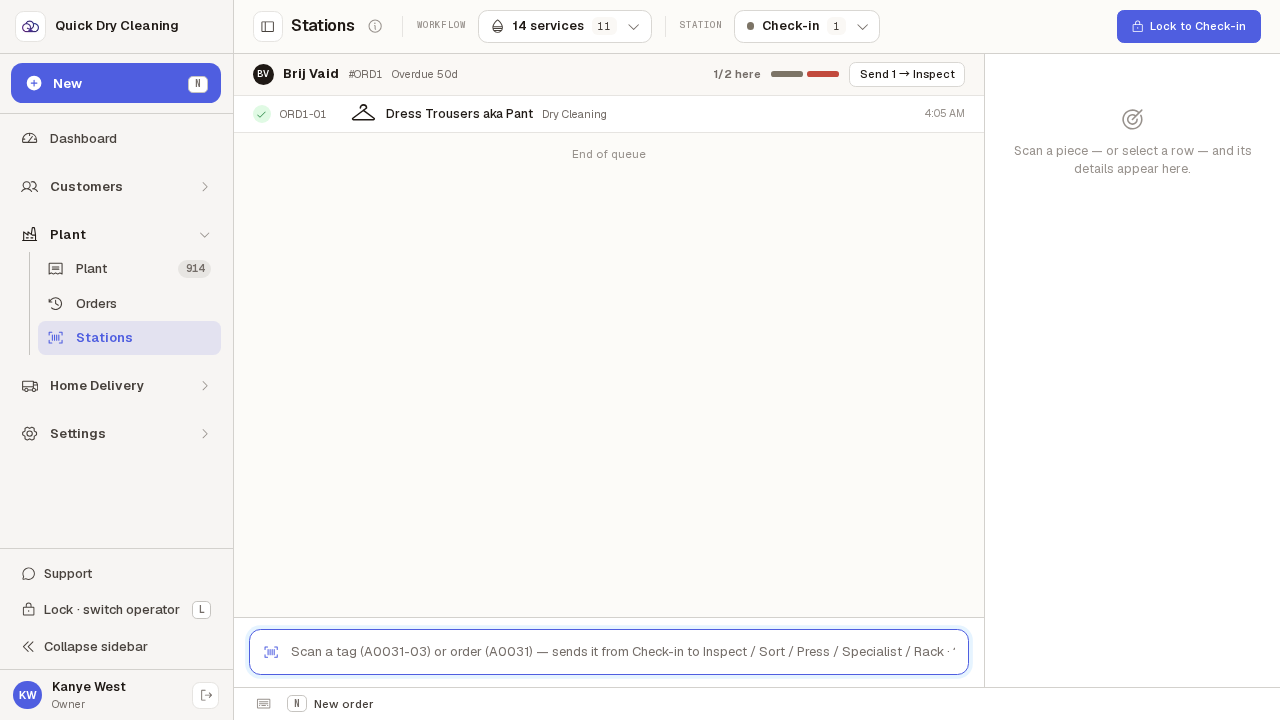
A bench that has since been removed is forgotten, and you land on the first bench.
If the remembered bench is no longer one the shop has — renamed, or taken out of the workflow — the terminal drops it and opens on Check-in as a normal workbench. You are not left locked to a bench that does not exist, and there is nothing to clear by hand.