
Back
Stations: clear all services
On the Stations screen you choose which services you want to see. "Clear all" takes every service off, and the screen then asks you to pick one before it shows any work.
Step by step
0 of 3 done
1
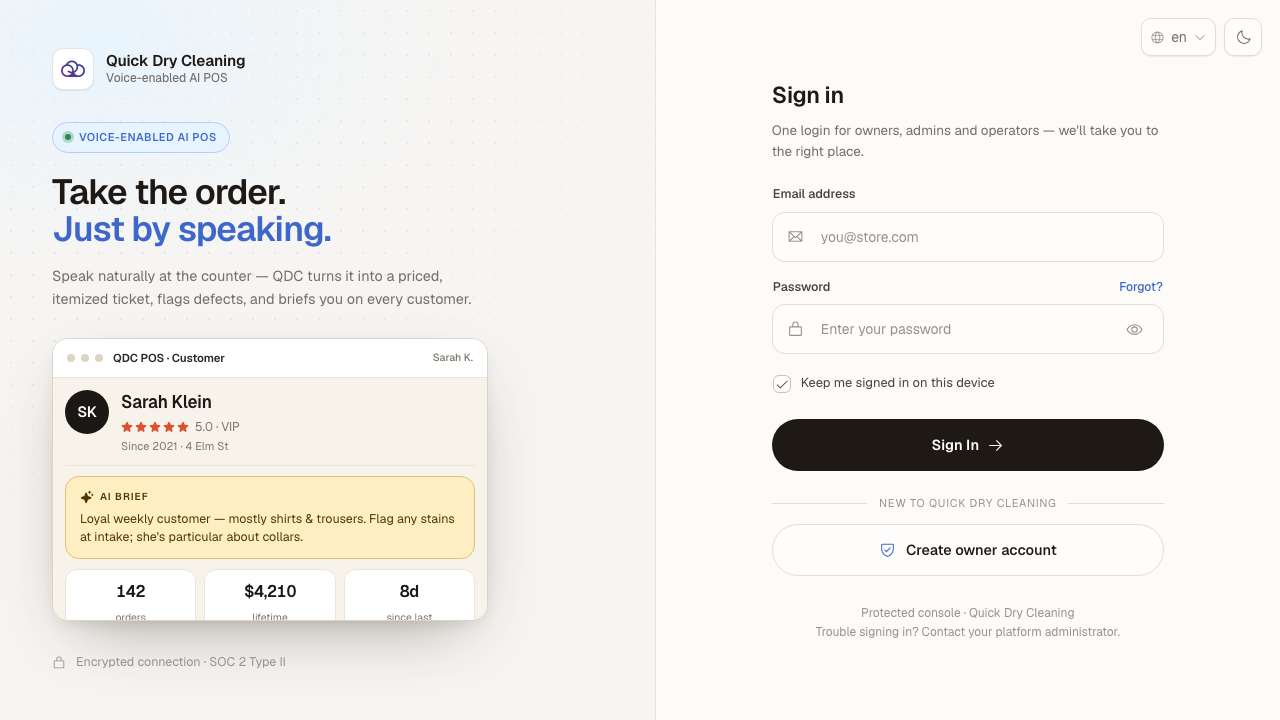
Sign in to the POS and pick "Counter POS".
You’ll see: The POS sign-in page, with empty email and password fields.
Open the screen full size
2
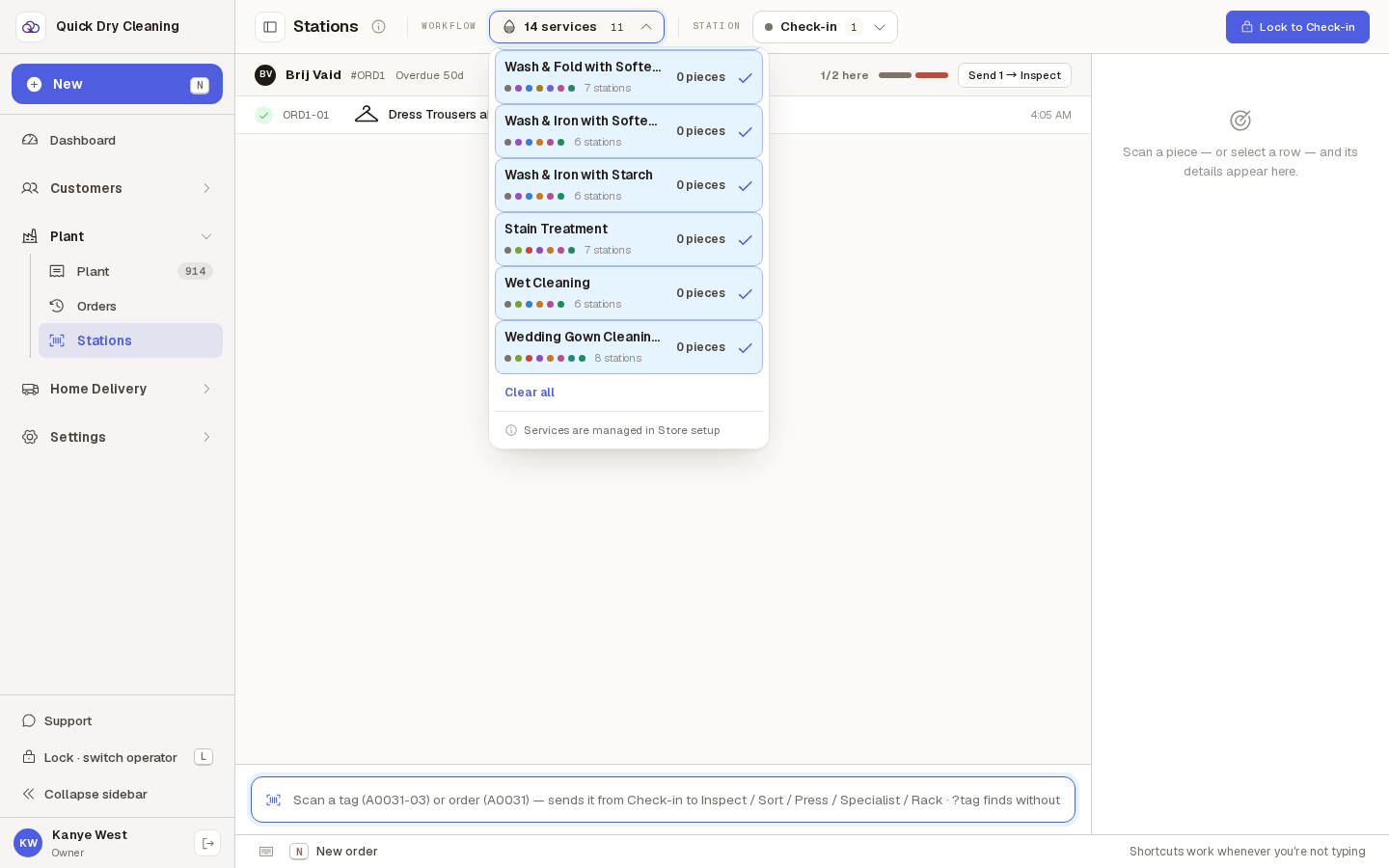
Open Plant → Stations and click the "Workflow" box at the top. It lists every service, with a tick on the ones you see now.
At the bottom of the list is "Clear all".
Open the screen full size
3
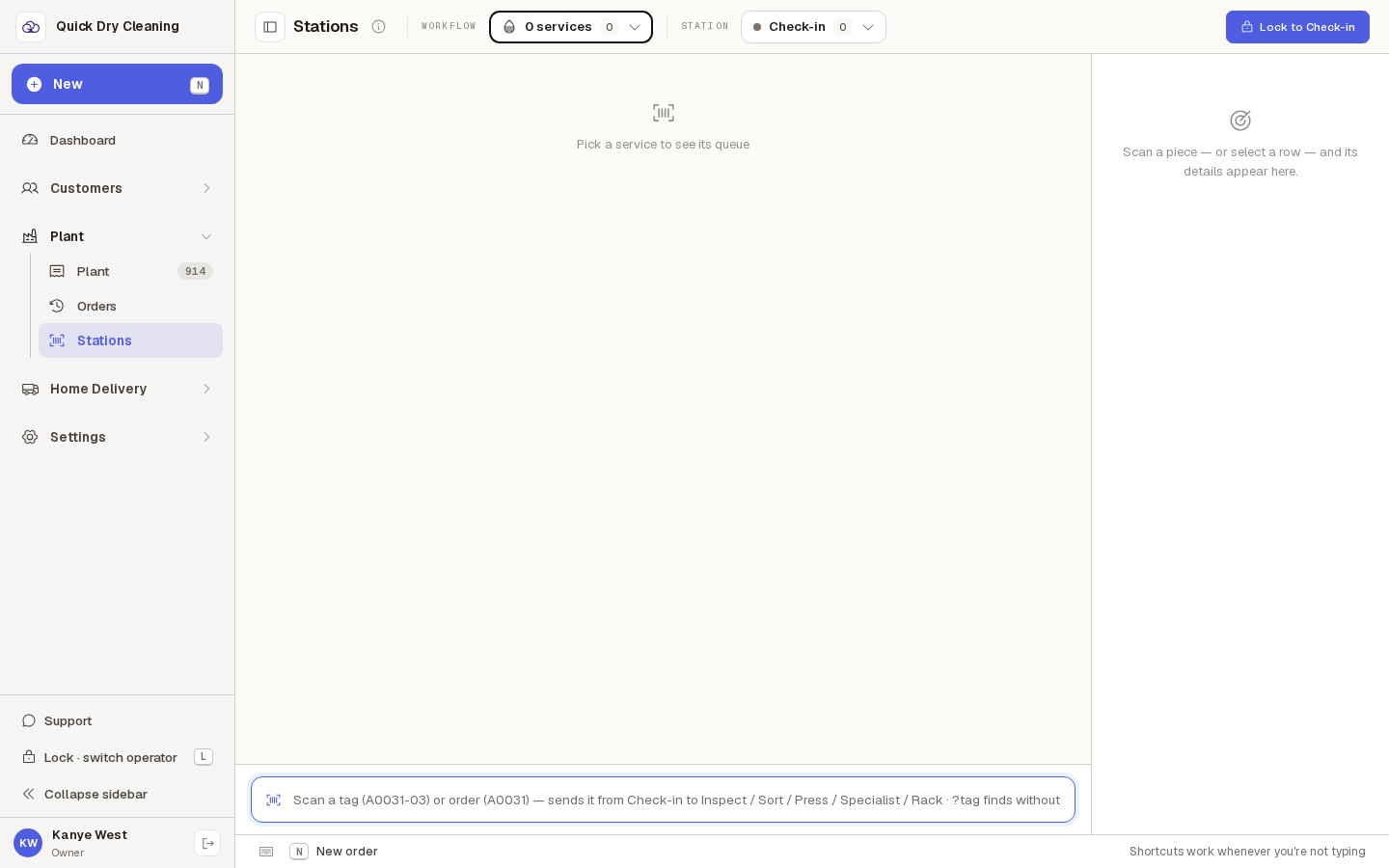
Click "Clear all". The box now says "0 services" and the list of pieces goes away.
In its place you see "Pick a service to see its queue". Your station stays the same. Pick any service in the box to see its pieces again. The POS remembers your choice on this computer, even after a reload.
Open the screen full size