
Checking which store this till is signed in at
Settings → Operator shows the store this till is working for, and that store's time zone and currency. Every signed-in operator can see it. It is display only — to work at another store, use Switch store in the sidebar.
Step by step
Open Settings (sidebar → Settings → Store settings). It opens on Operator.
Operator is your personal page: your name, your PIN and your password — and, at the bottom, where this till is signed in. You do not need any store permission to see it.
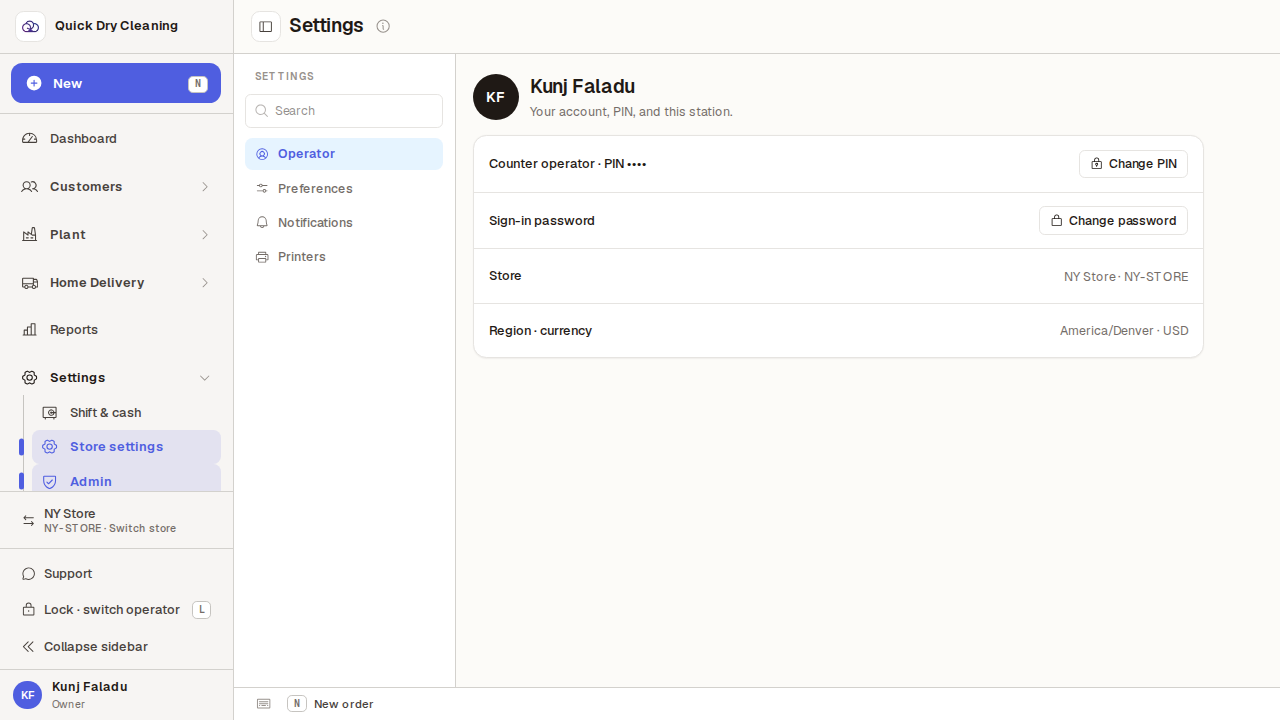
The Store row names the store, then its store code.
Here it reads "E2E Gale Main · QDCE2E". The code is the short one printed in order numbers. If this is not the store you are standing in, stop before taking orders and use Switch store in the sidebar — orders, the cash drawer and the queue all belong to the store shown here.

The Region · currency row gives the store's time zone and its currency.
Here, "America/New_York · USD". Due dates, pickup windows and the day's cash-up follow this time zone, whatever the clock on this computer says. Both rows are set in Back office → Store setup; there is nothing to change on this page.
