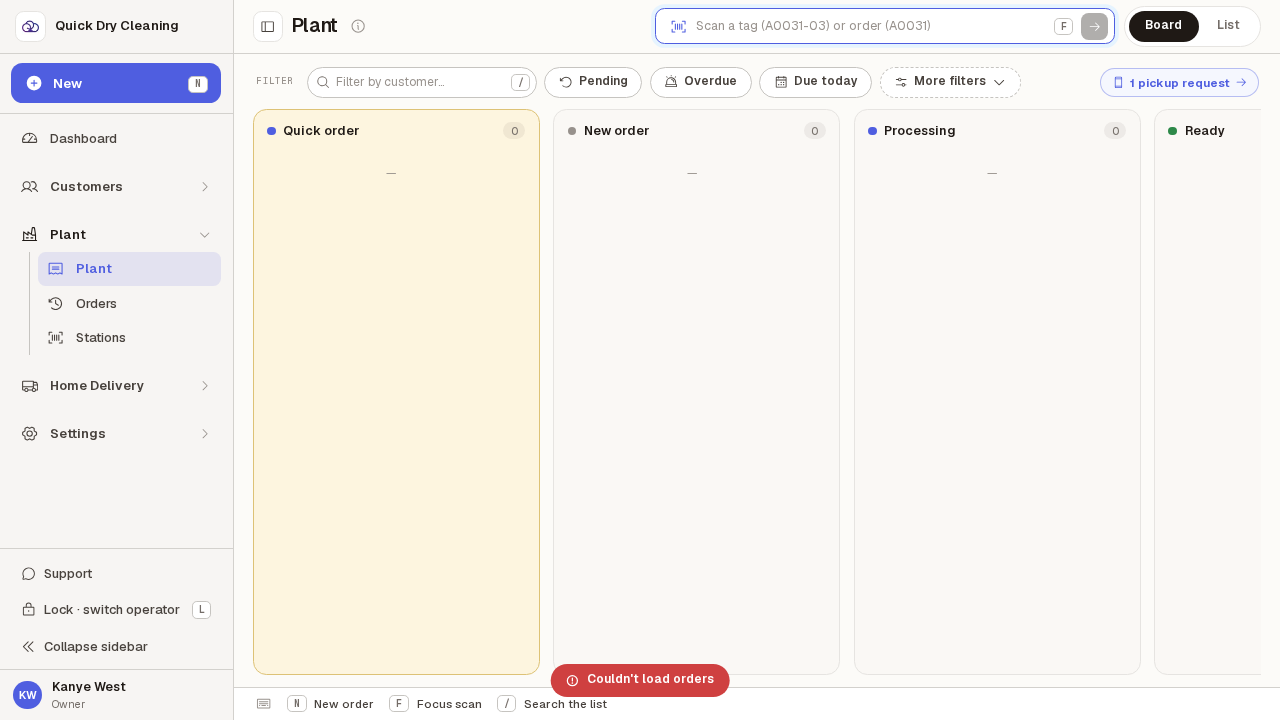
When the tickets list looks empty
An empty tickets screen can mean three different things: there is genuinely no work, your filter hid everything, or the screen could not reach the server. This is how to tell them apart.
Step by step
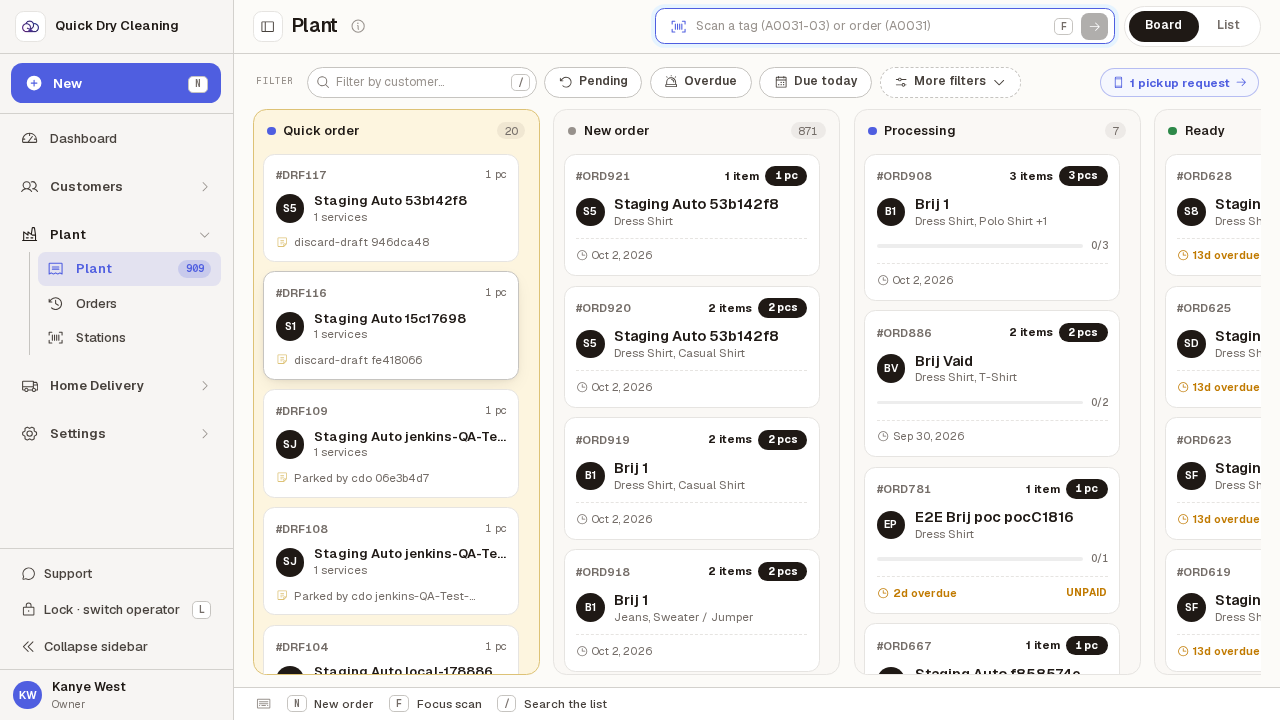
Open "Tickets" from the sidebar. This is the board, with a column for each stage.
Keyboard shortcut: press "2". A dash under a column heading means that column has nothing in it.
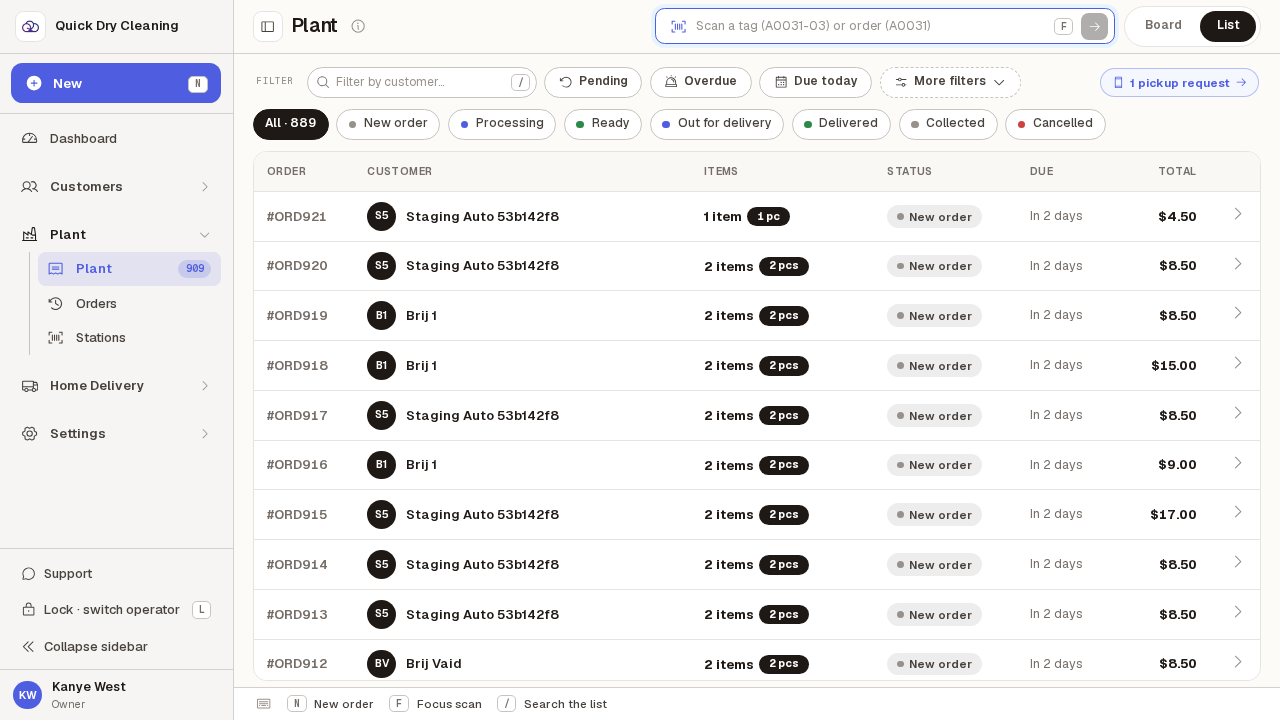
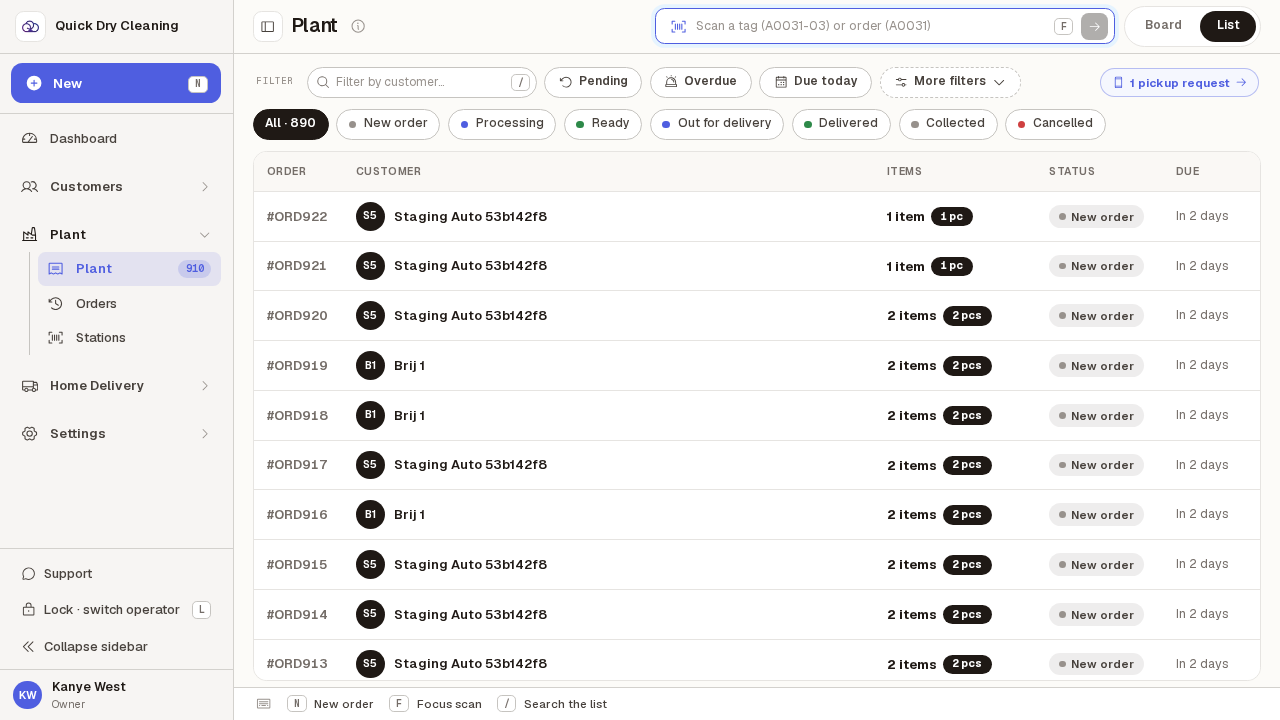
Click "List" for the same tickets as a table. With no work in the shop it reads "No active tickets".
That wording matters — it is the screen telling you the shop is genuinely clear, not that something went wrong.
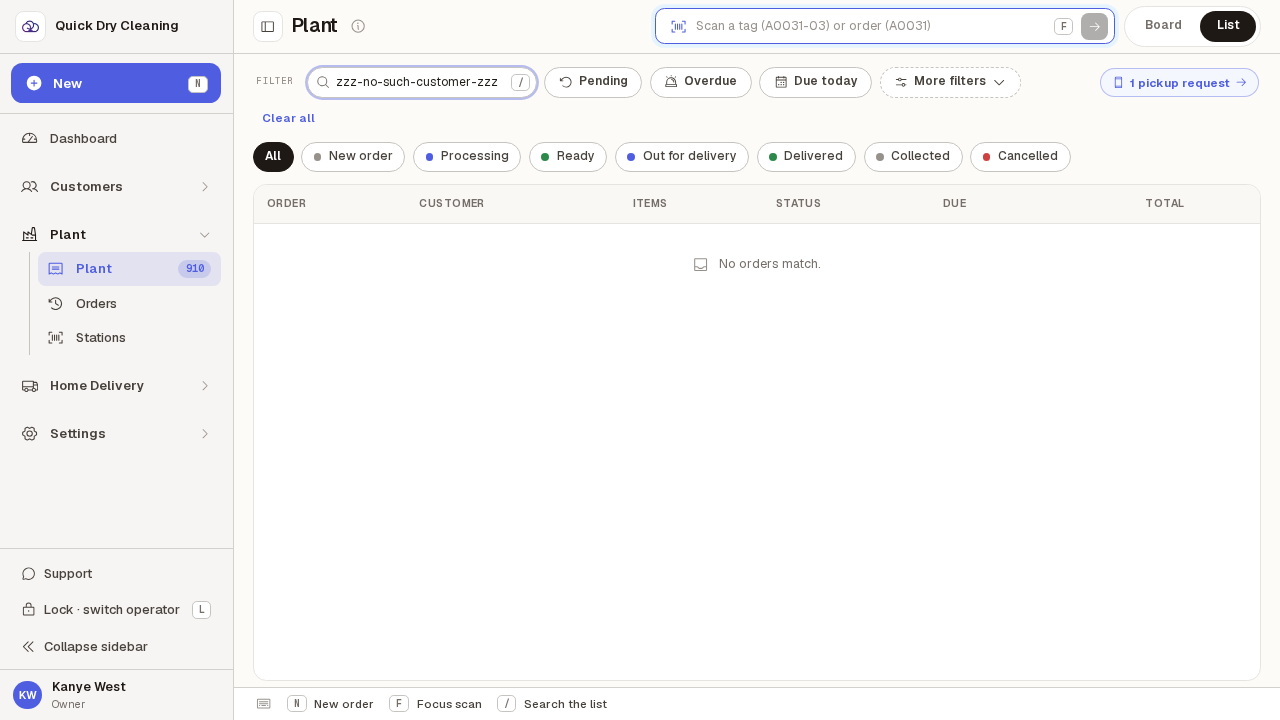
Now type a customer name in the "Filter by customer" box. If nothing matches, the message changes to "No orders match."
Keyboard shortcut: press "/" to jump straight into the filter box. "No orders match." means your filter is hiding the tickets, not that there are none — click "Clear all" to bring them back.
Click "Clear all" to remove the filter and see every ticket again.
The message goes back to "No active tickets" once the filter is gone.
If the screen cannot reach the server, a message appears at the bottom saying "Couldn't load tickets".
This one disappears again after a couple of seconds, so it is easy to miss. If you saw it, the tickets on screen may be out of date — press "F5" to reload, and tell someone if it keeps happening.