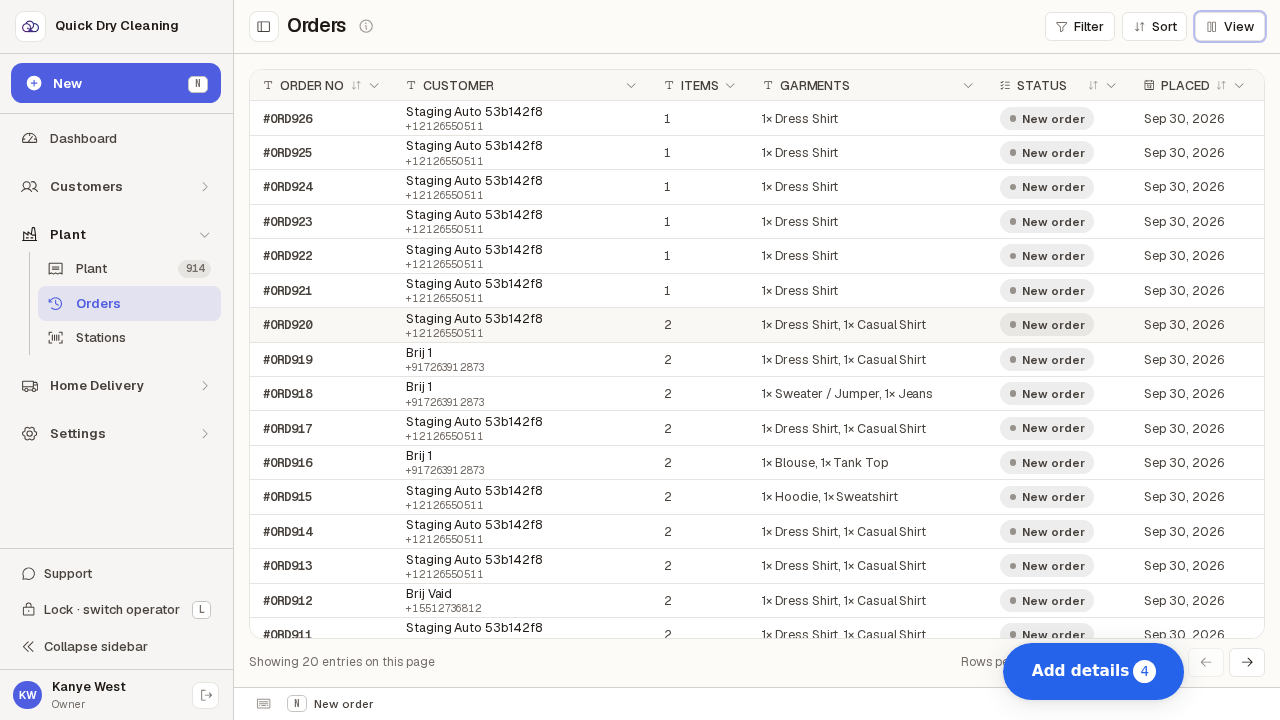
Choose the columns you want on the orders list
Turn extra columns like Tip and Booked by on or off, hide the ones you never read, drag a column wider, and keep Customer in view while you scroll sideways.
Step by step
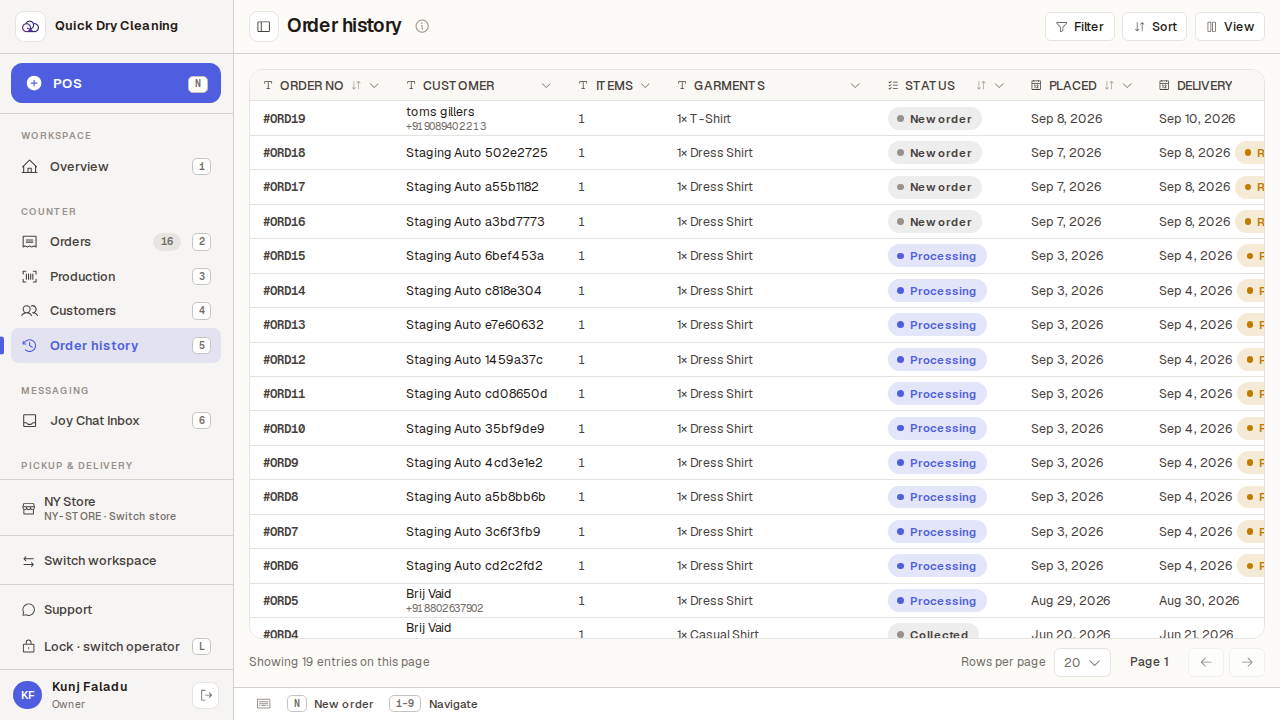
Open Orders from the POS sidebar to see the order history.
The table opens with ten columns: Order No, Customer, Items, Garments, Status, Placed, Delivery, Total, Paid and Due.
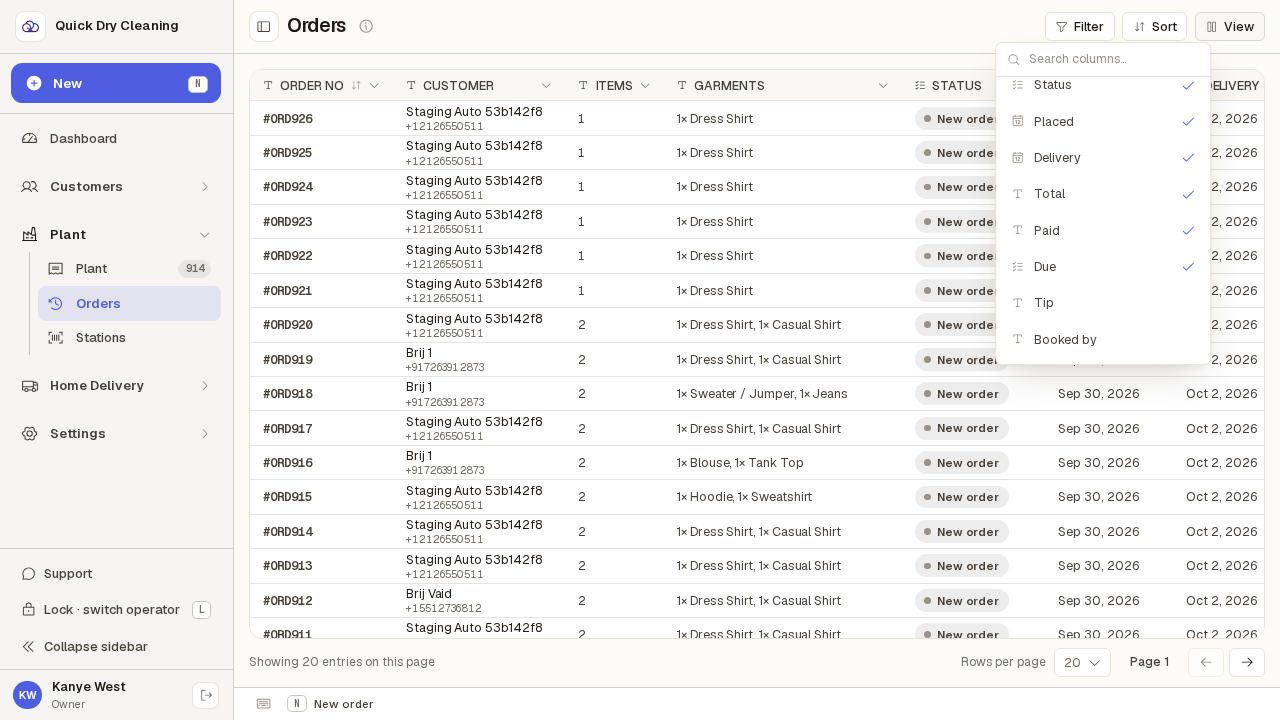
Press "View" in the toolbar above the table to see every available column.
A tick means the column is on the table. Scroll to the bottom of the list for the two that start switched off — Tip and Booked by. Type in the search box if you would rather jump straight to one.
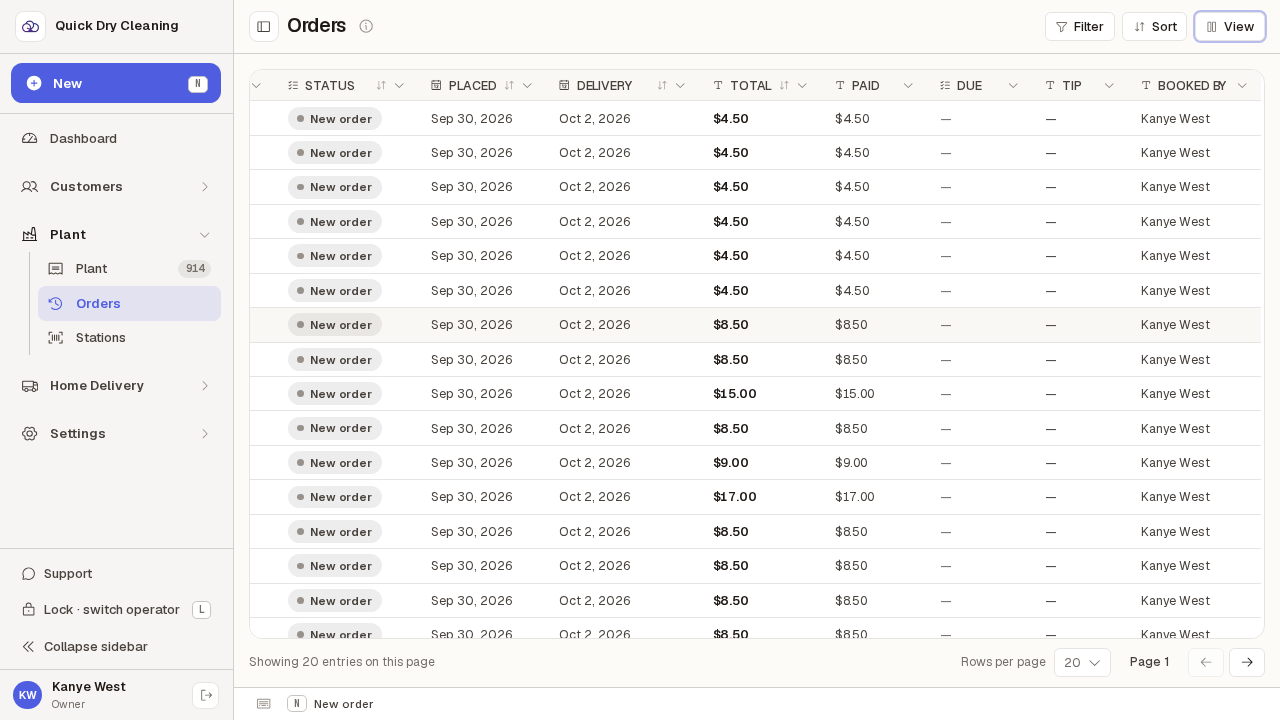
Tap Tip, then Booked by, then press Escape to close the list.
Both appear at the right-hand end of the table straight away — Booked by names whoever took the order, and Tip shows a dash where there wasn't one. Nothing reloads; the table you are already looking at simply gains the columns.
Click a column heading — "Customer" here — to open that column's own menu.
Pin to left keeps the column in view while the rest of the table scrolls sideways; Pin to right does the same on the other edge; Hide column takes it off the table (bring it back later from View).
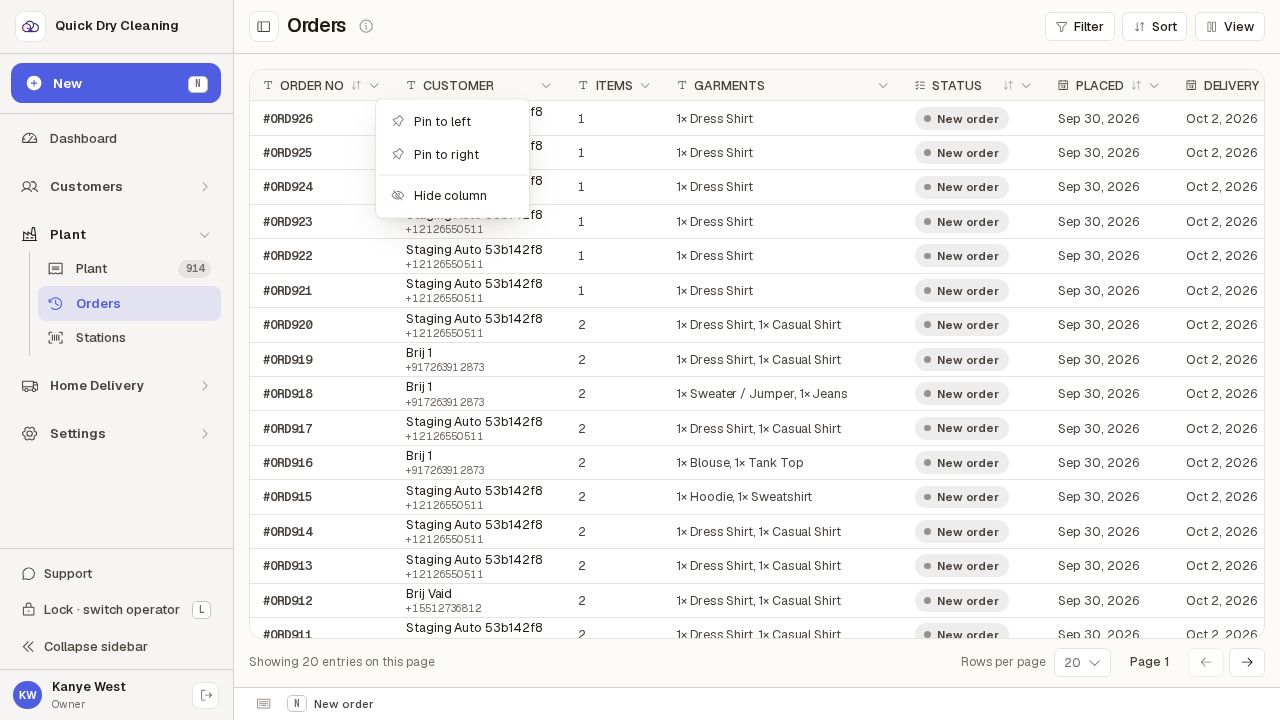
Choose "Pin to left".
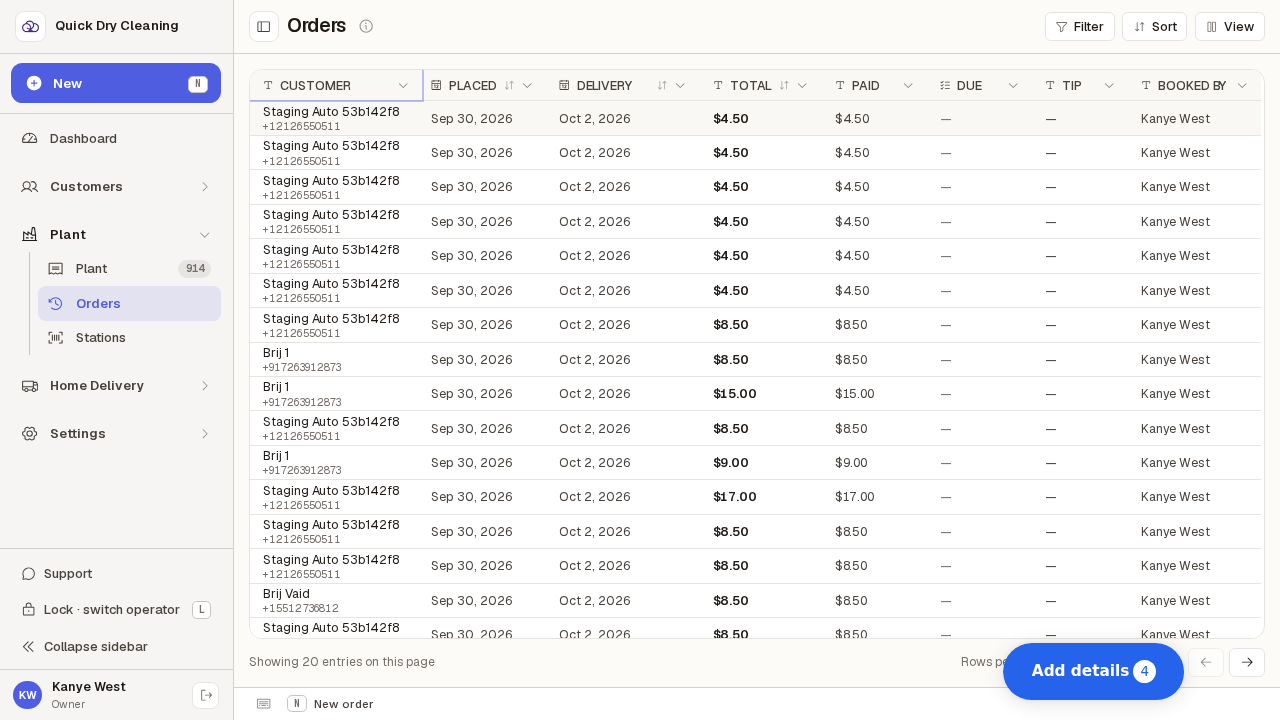
Customer jumps to the front of the table and stays there while the other columns scroll past it — handy on a narrow screen. The same menu now offers "Unpin from left" to put it back.
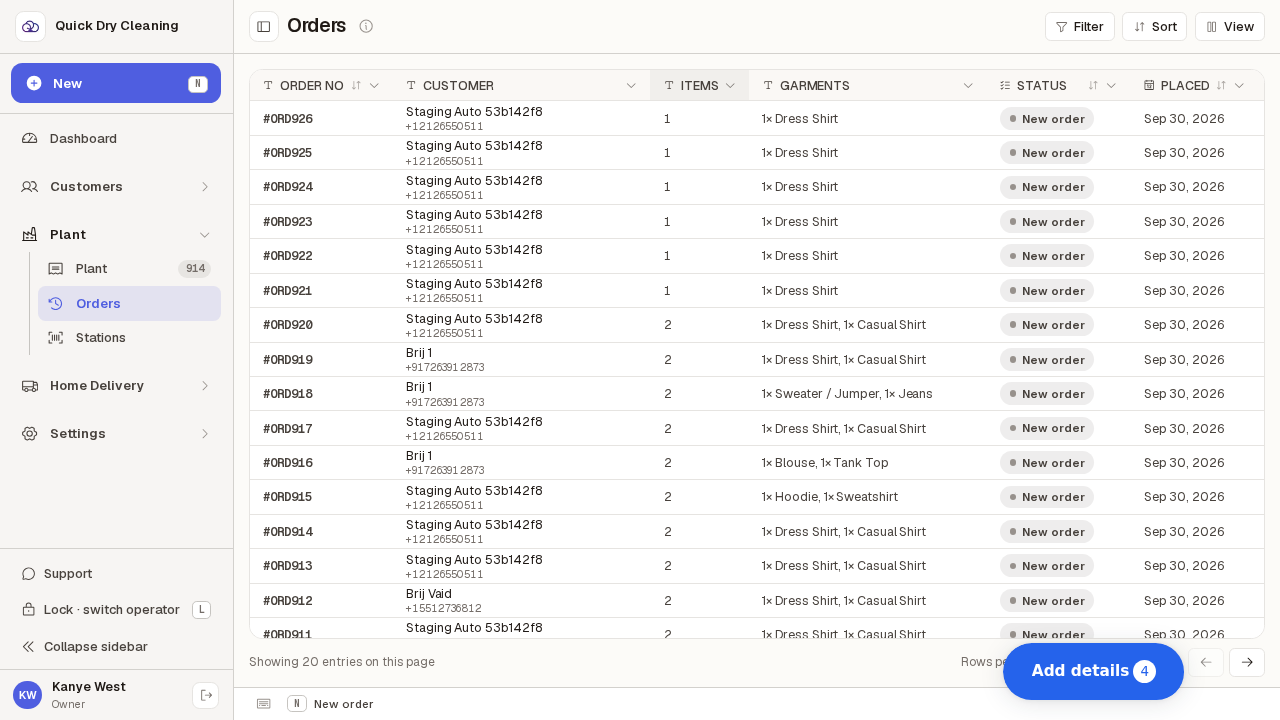
To make a column wider, drag the divider on the right-hand edge of its heading.
The pointer turns into a left-right arrow over the divider. Drag right for more room — useful when long customer names are cut off.
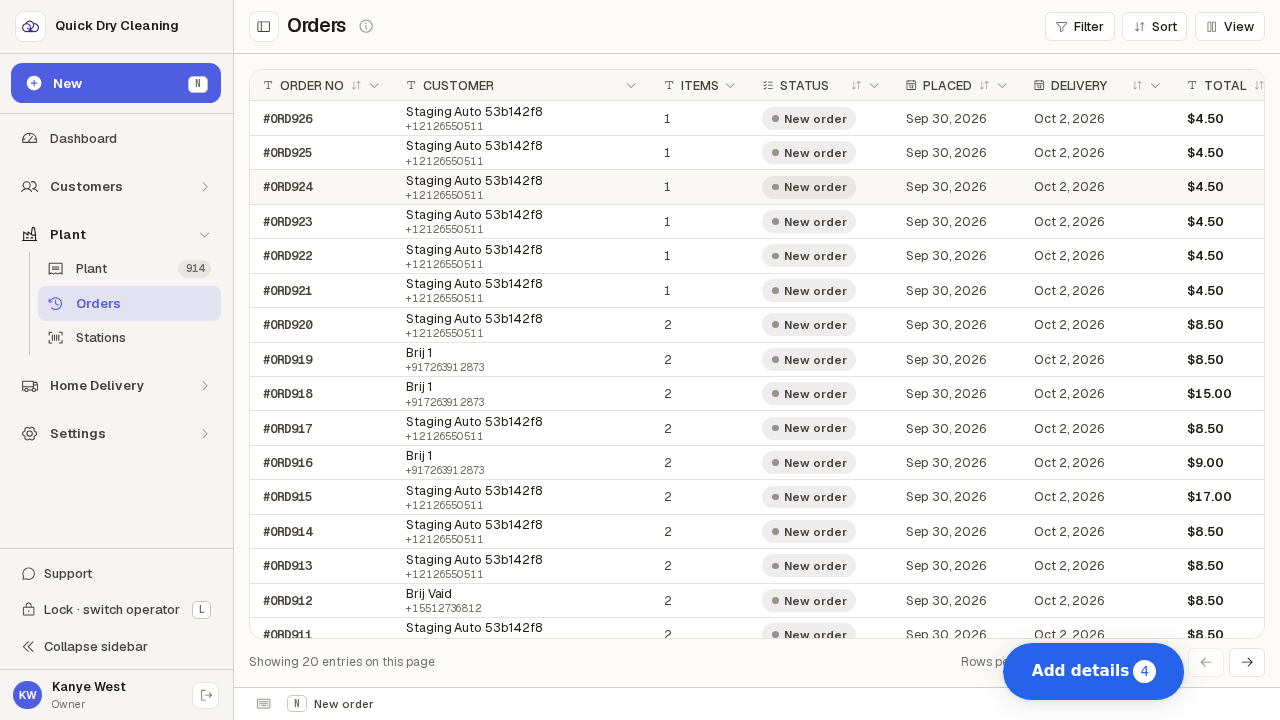
To drop a column you never read, open its heading menu and choose "Hide column".
Garments disappears from every row. It is not deleted — it is waiting in the View list whenever you want it back.
Your layout is yours alone, and it lasts until you leave the page — reload and the table is back to the ten standard columns.
Nobody else sees your choices, and no order is changed by any of this. Set the columns up again whenever you need them.