
Back
When a payment link points at an order that is not there
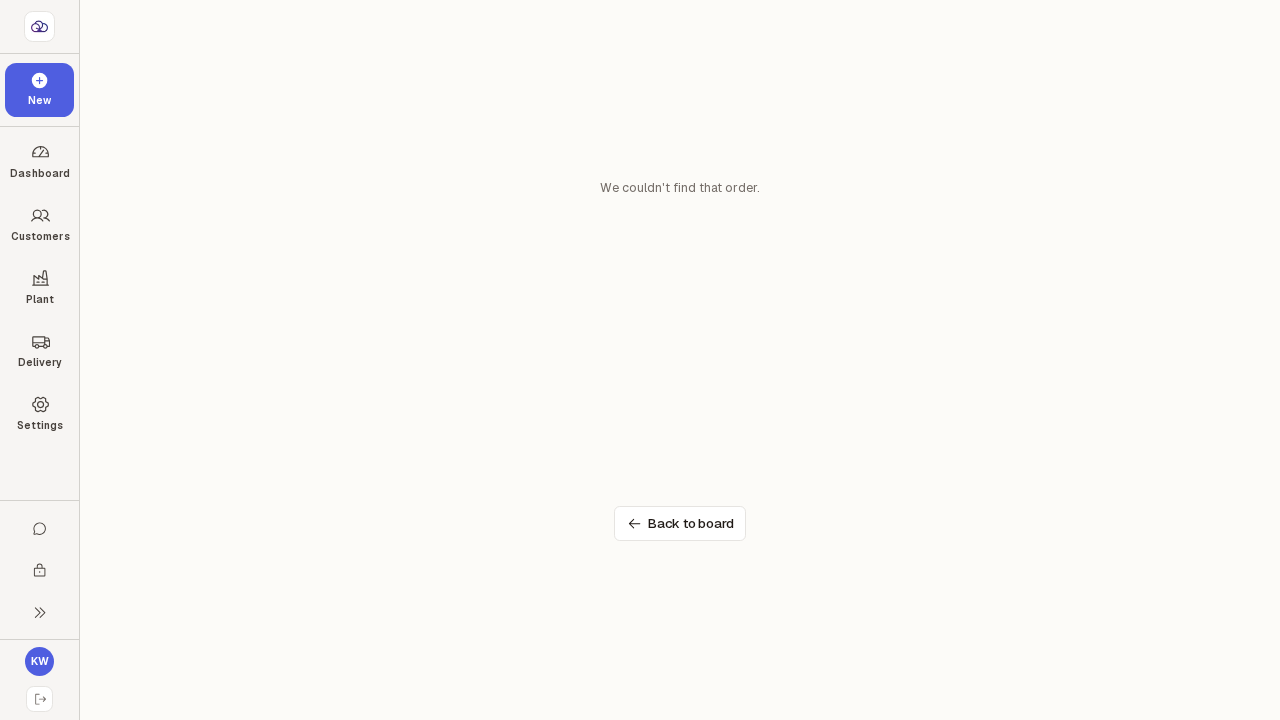
Opening a Take payment link for an order that no longer exists — a stale tab, an old link, a mistyped address — shows a short message instead of the payment screen, with one button back to the Tickets board. Nothing can be charged against an order the till cannot find.
Step by step
0 of 2 done
1
Following a Take payment link for an order the till cannot find shows "We couldn't find that order." — and nothing else loads: no customer, no amount outstanding, no payment methods and no Pay button.
This is what a stale link looks like: a tab left open after the order was cancelled or removed, an old link from a message, or an address typed by hand. Because the payment screen never opens, there is no way to take money against the wrong order — check the order is still on the Tickets board and open it from there.
Open the screen full size
2
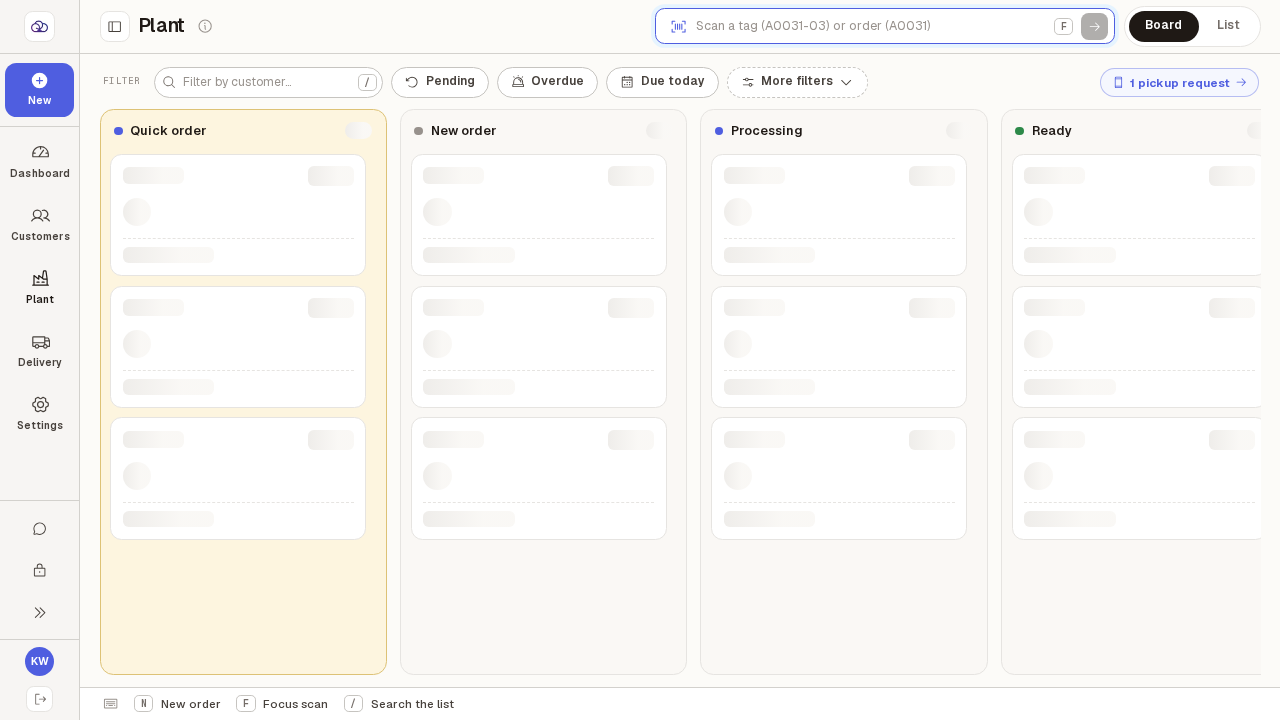
Press "Back to board" to return to the Tickets board, where you can find the right order and take payment from its own ticket.
A ticket that still owes money has a "Pay" button in its panel — that is the safe way in, because it can only ever point at an order that is really there.
Open the screen full size