Sign up and start your free trial
Create your account, confirm your email, then tell us your business name and address. Your 14-day trial is already selected and needs no card — click "Create workspace" and you land on your counter screen.
Step by step
Enter your full name, your work email and a password.
Start from the sign-in page: "Create owner account" is under the Sign in button. This account is yours as the owner: you will use this email and password to sign in every day. The password needs at least 8 characters with a letter and a number — the checklist under the box ticks each one off as you type. QDC is available in the United States, so the country is already set.
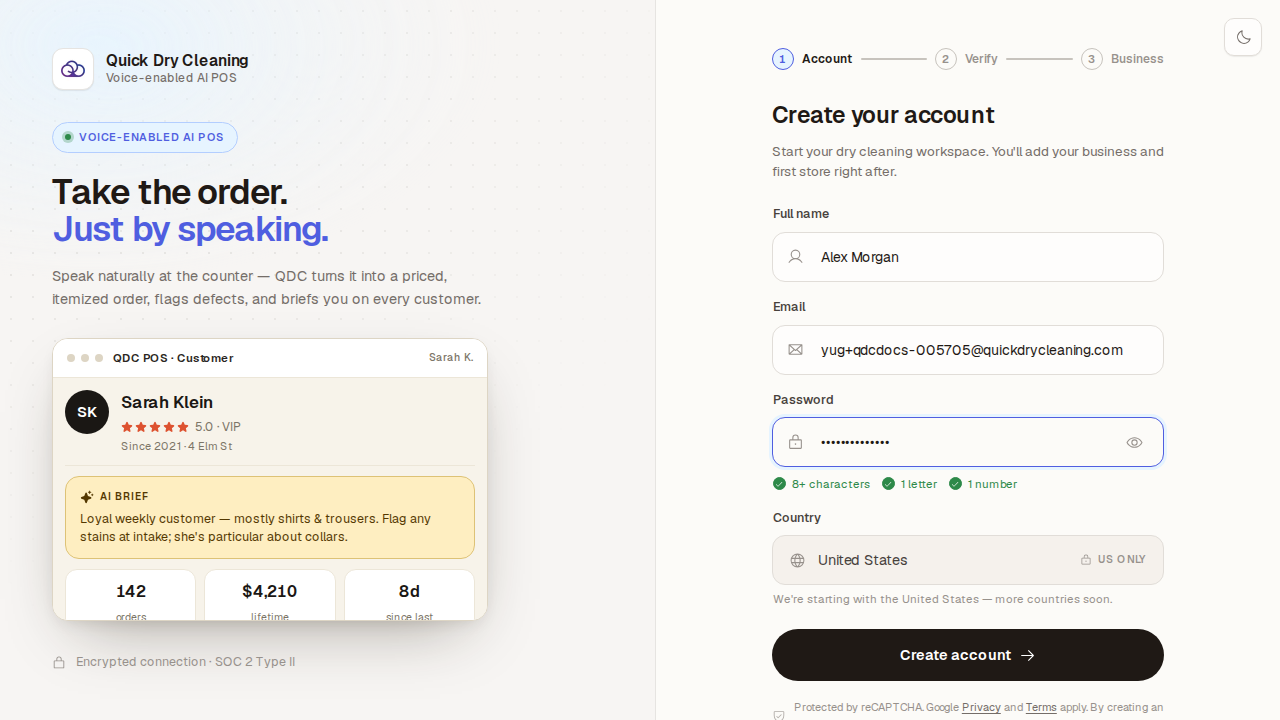
Click "Create account". We email you a 6-digit code.
The code proves the email address is really yours, so nobody can open a business in your name. It works for 10 minutes. Not there? Check your spam folder, or wait a moment and click "Resend code".
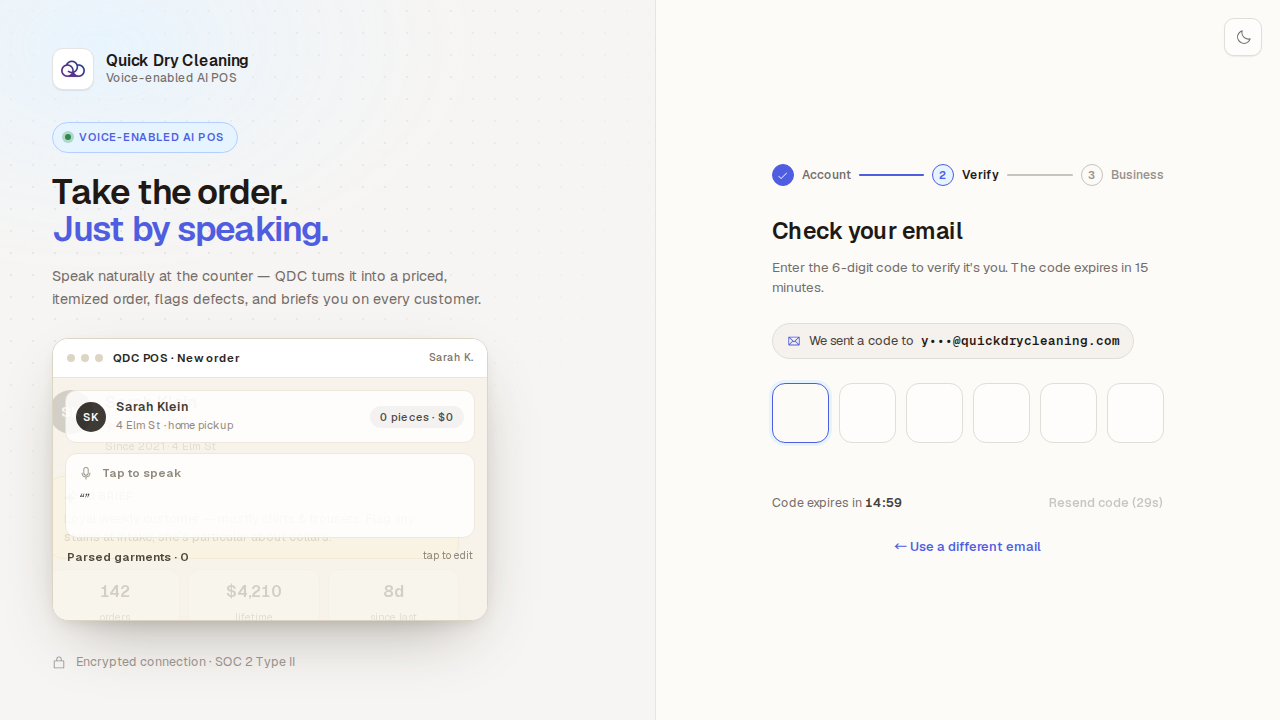
Type the code from the email into the six boxes.
The last digit sends it by itself — there is no button to press.
Tell us about your business: its name, your phone number and its address. Start typing the address and pick yours from the list.
Your business name appears at the top of the POS and on every receipt, so use the name customers know. The address must be chosen from the suggestions — typed text alone is not accepted. Under Plan, the "Start 14-Day Trial — No Card Required" card is already selected: every plan’s features are unlocked during the trial, and you choose Starter, Professional or Enterprise later.
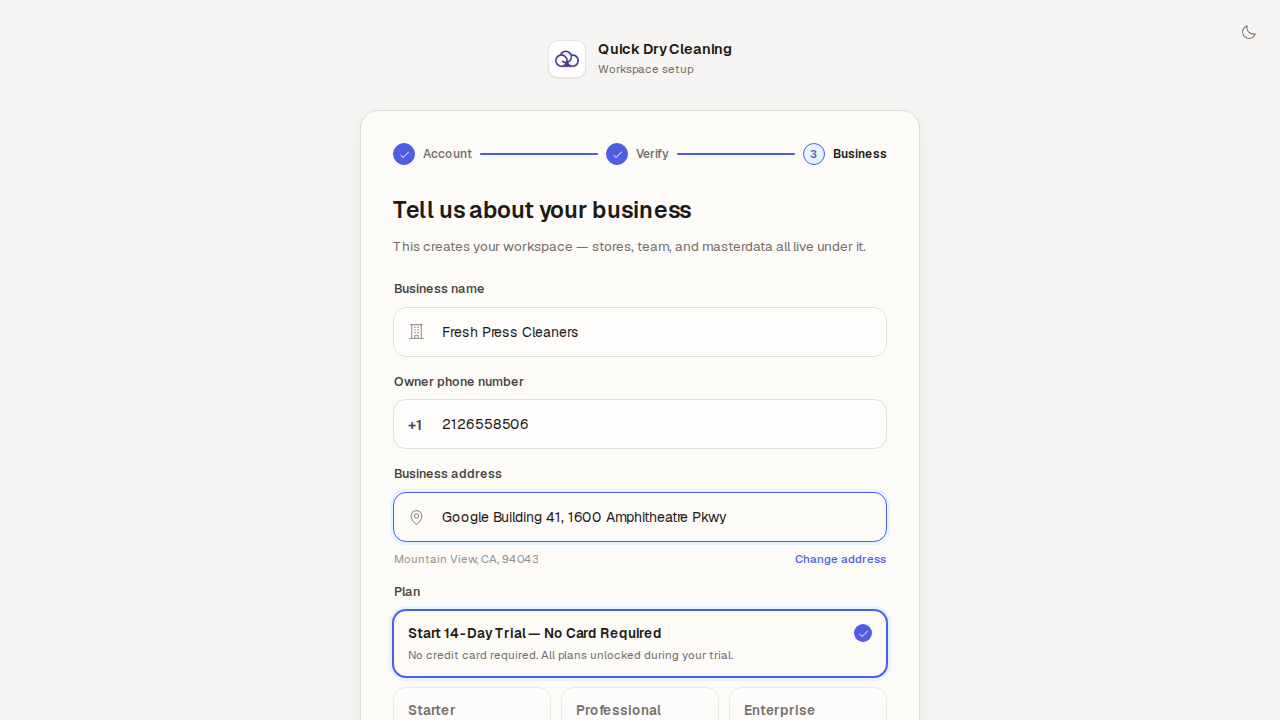
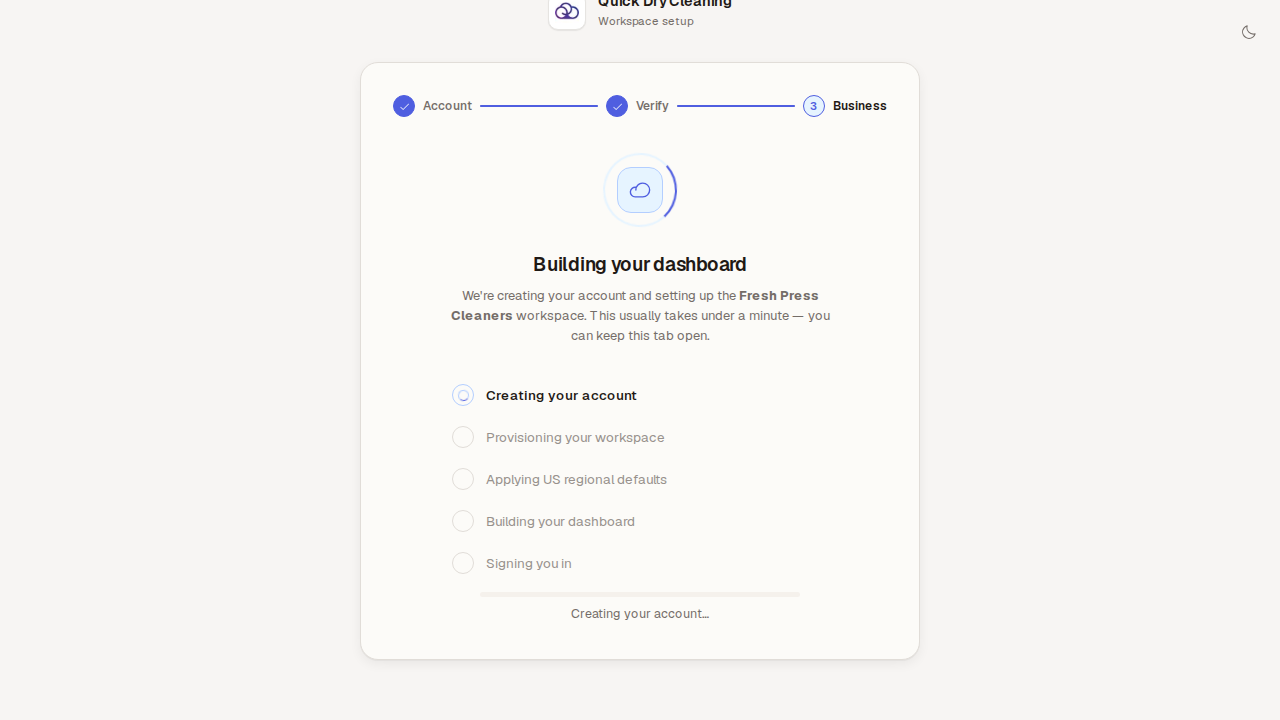
Click "Create workspace" to start your free trial, and keep the tab open while it is built.
QDC sets up your store with a ready-made catalog of garments and prices for the United States, then signs you in. It usually takes under a minute, and there is nothing to do while you wait.
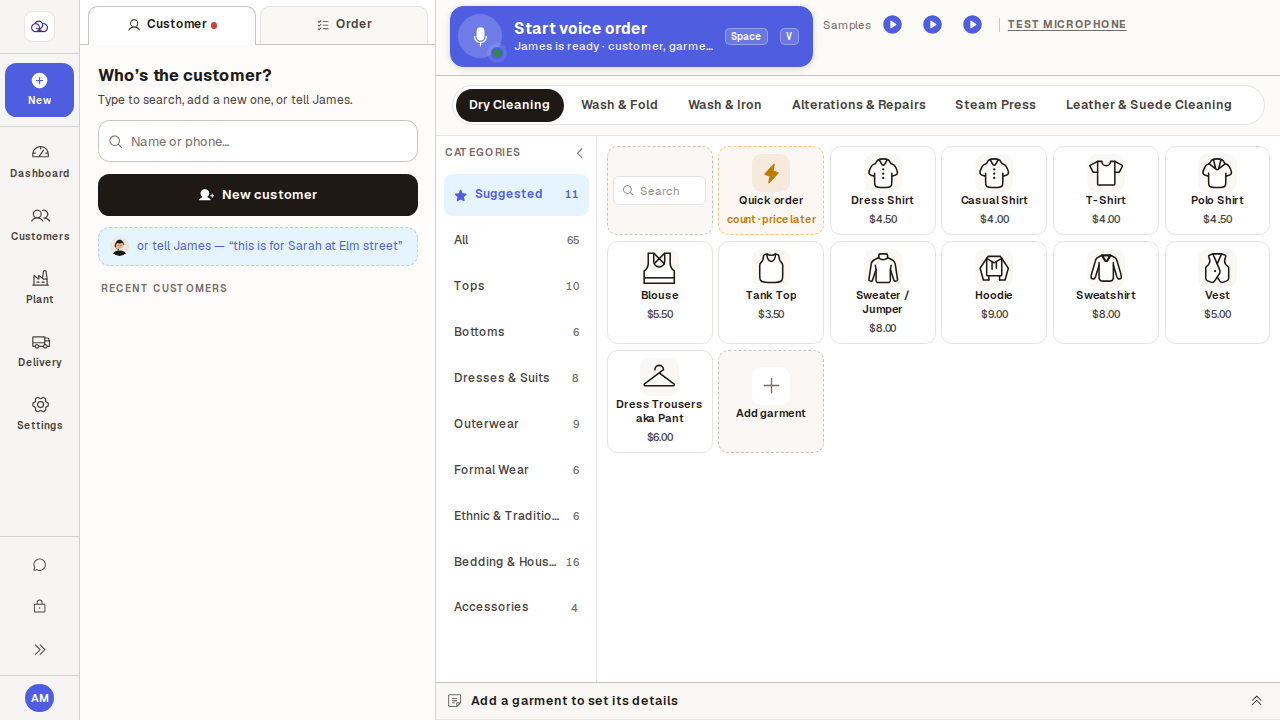
Done — you are signed in and looking at the New order screen, ready for your first customer.
Everything starts here: pick or add a customer on the left, tap garments in the catalog on the right. "Recent customers" is empty because your business is brand new — the next guide adds your first one.